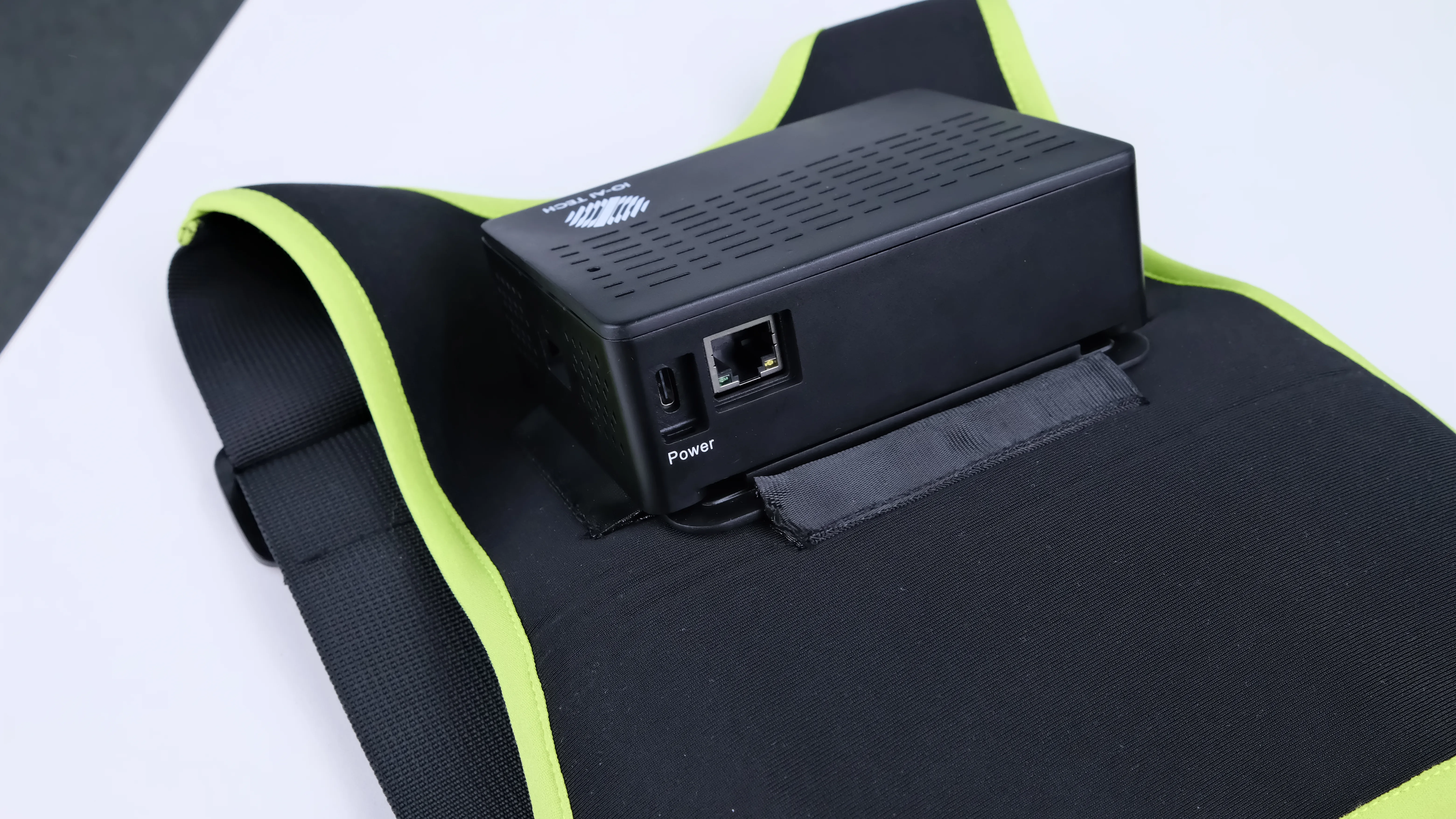
Hardware connection
Unboxing check
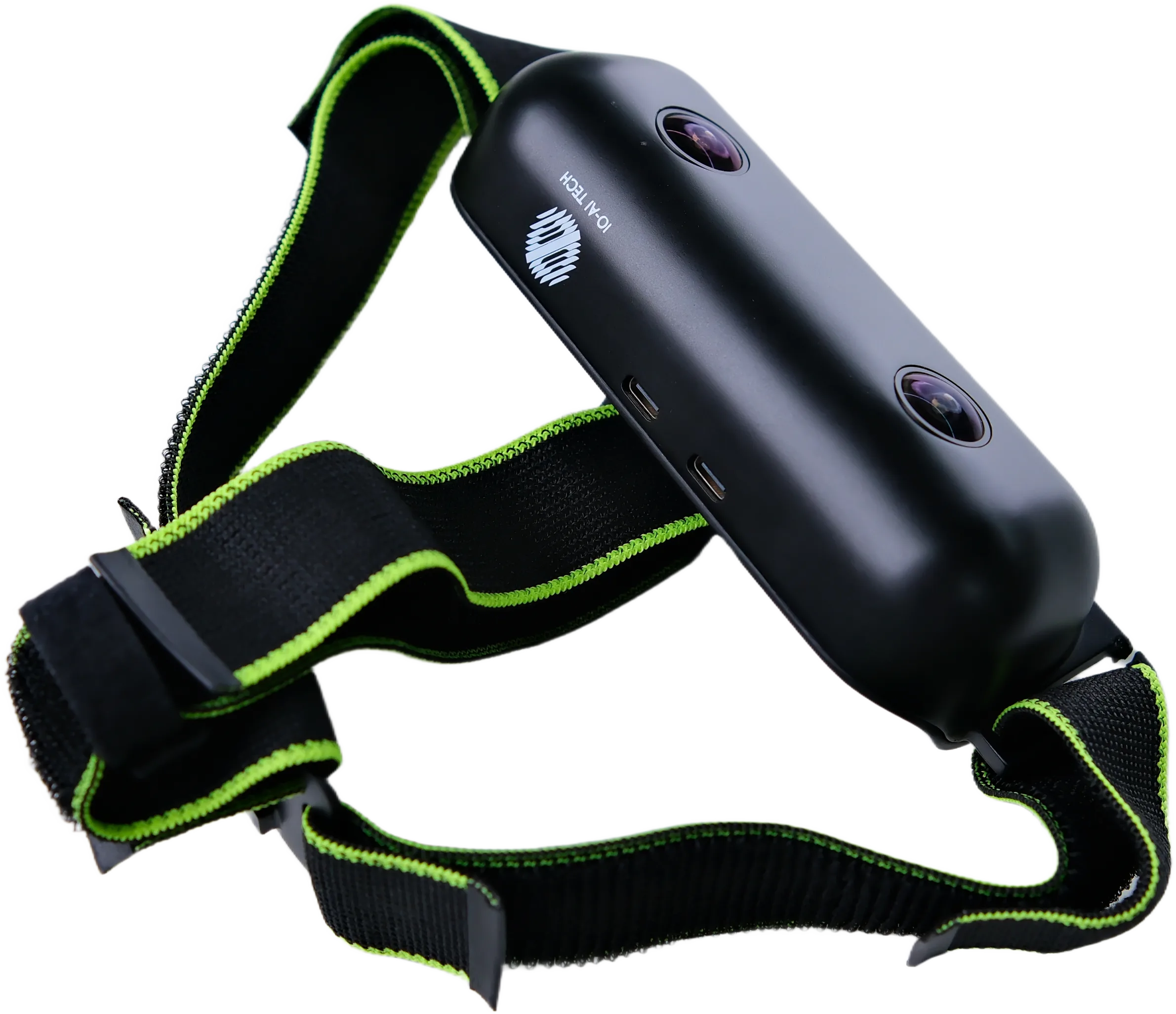
Welcome to the SenseXperience human data capture system. Compare the following diagrams with your shipment, including the compute vest, gripper pods, wrist cameras, and egocentric camera.
Diagrams
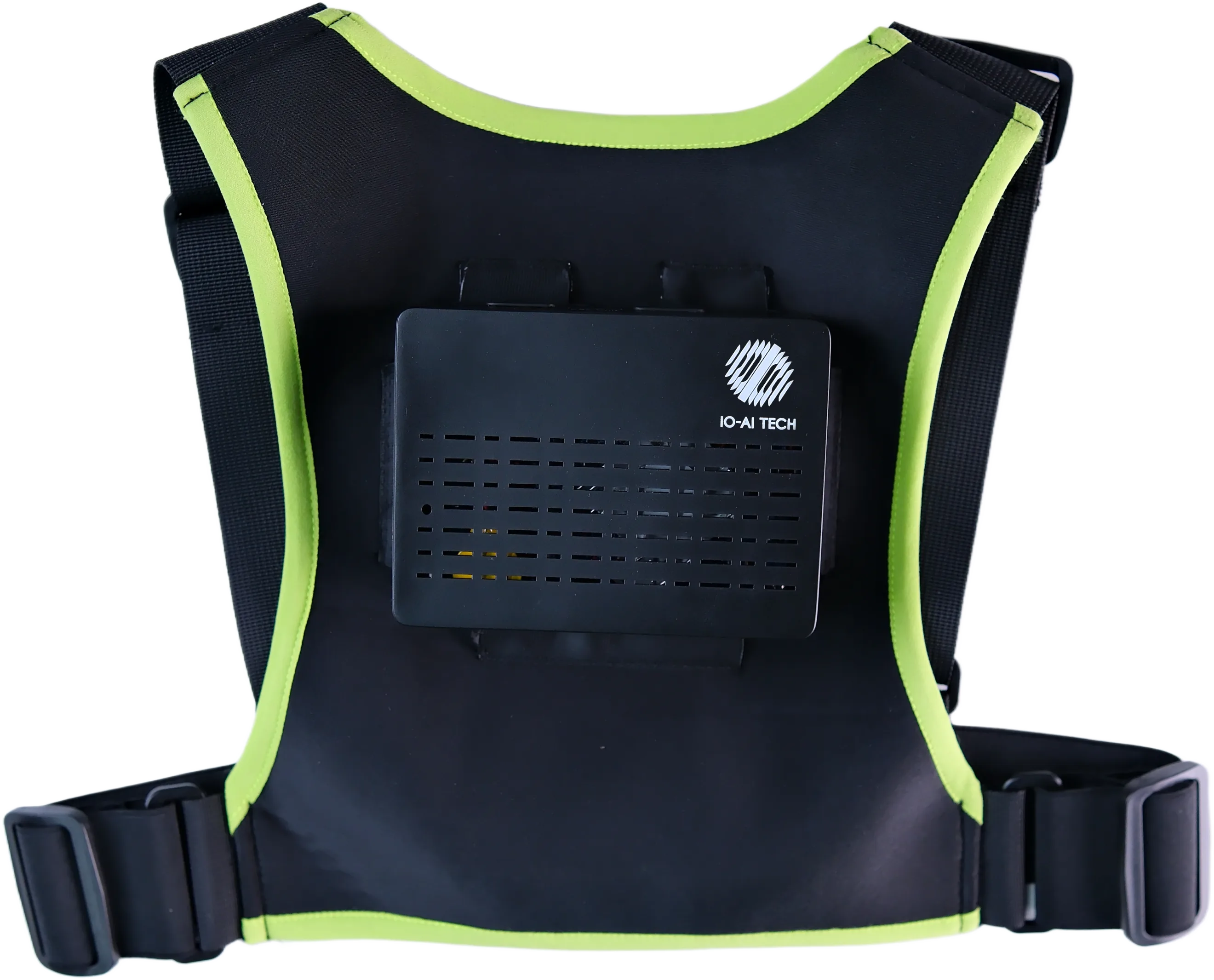
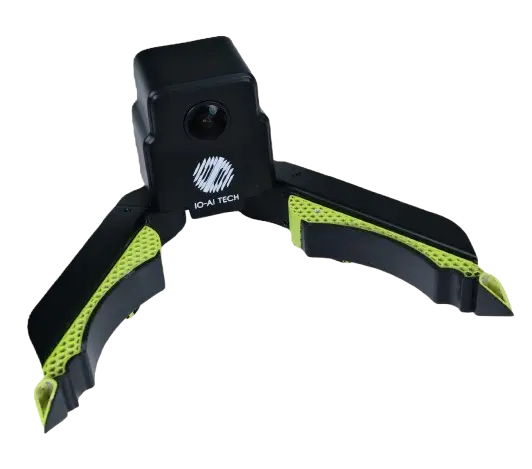
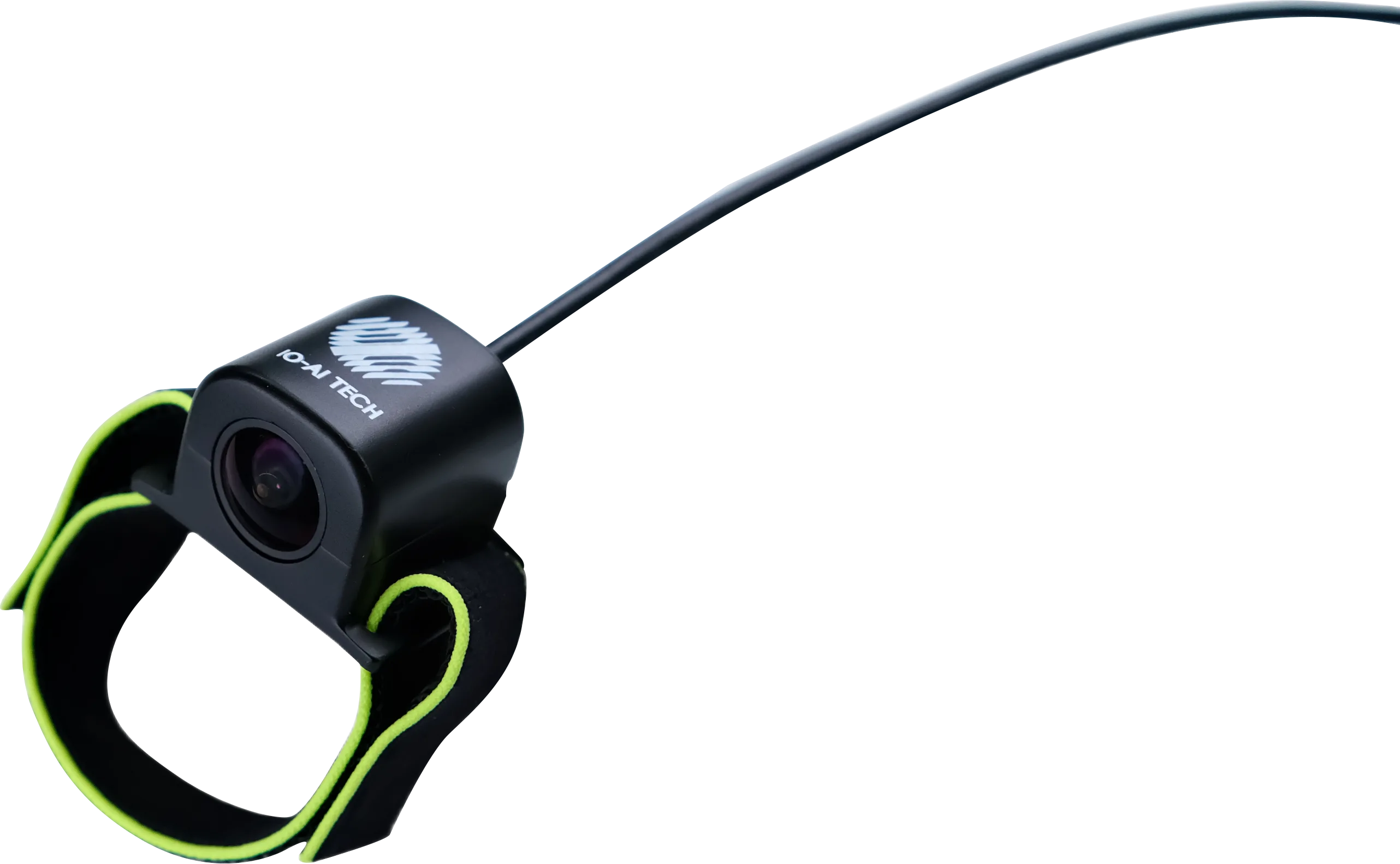
Correct wiring
- Egocentric camera
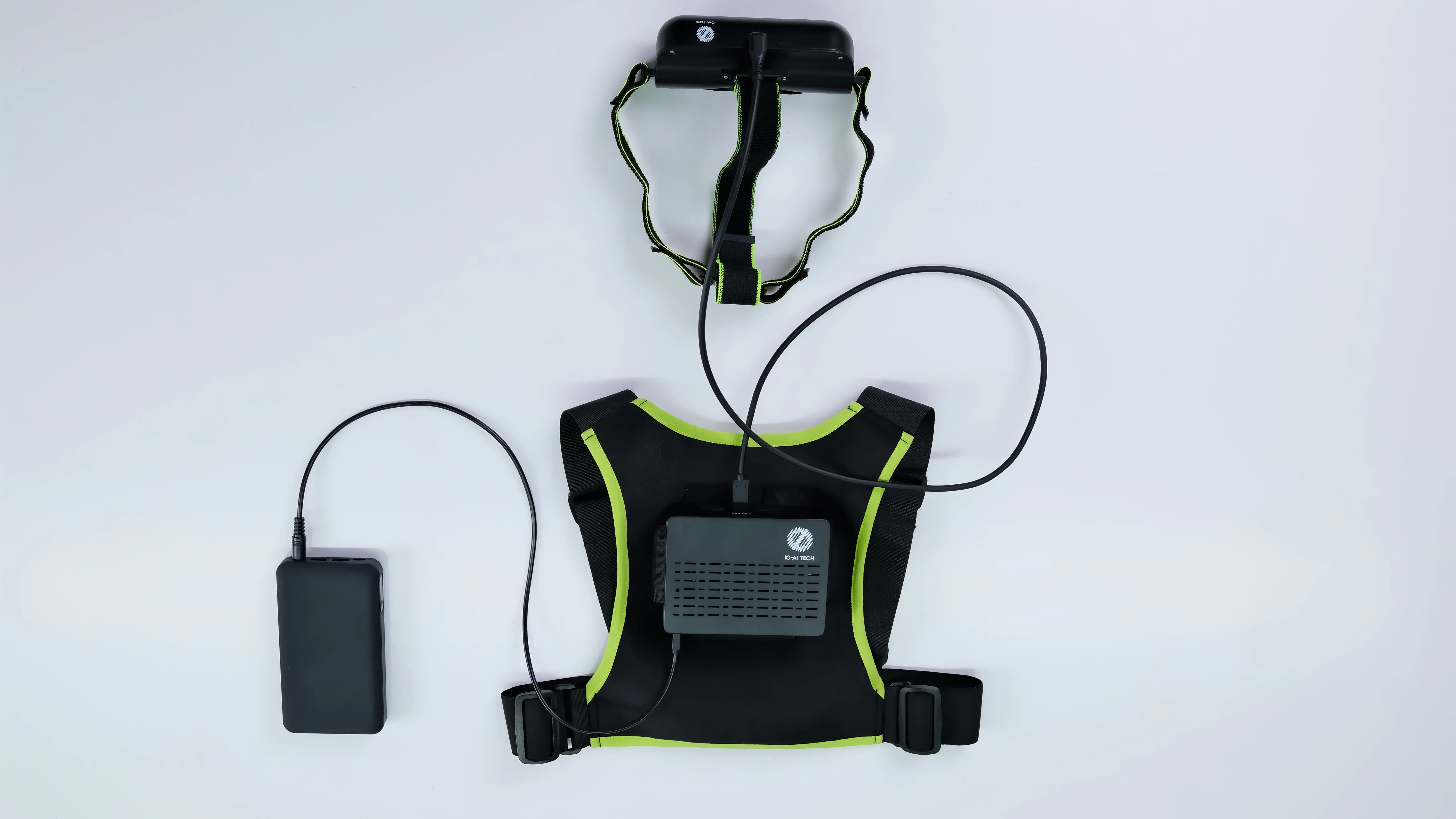
- Egocentric + gripper
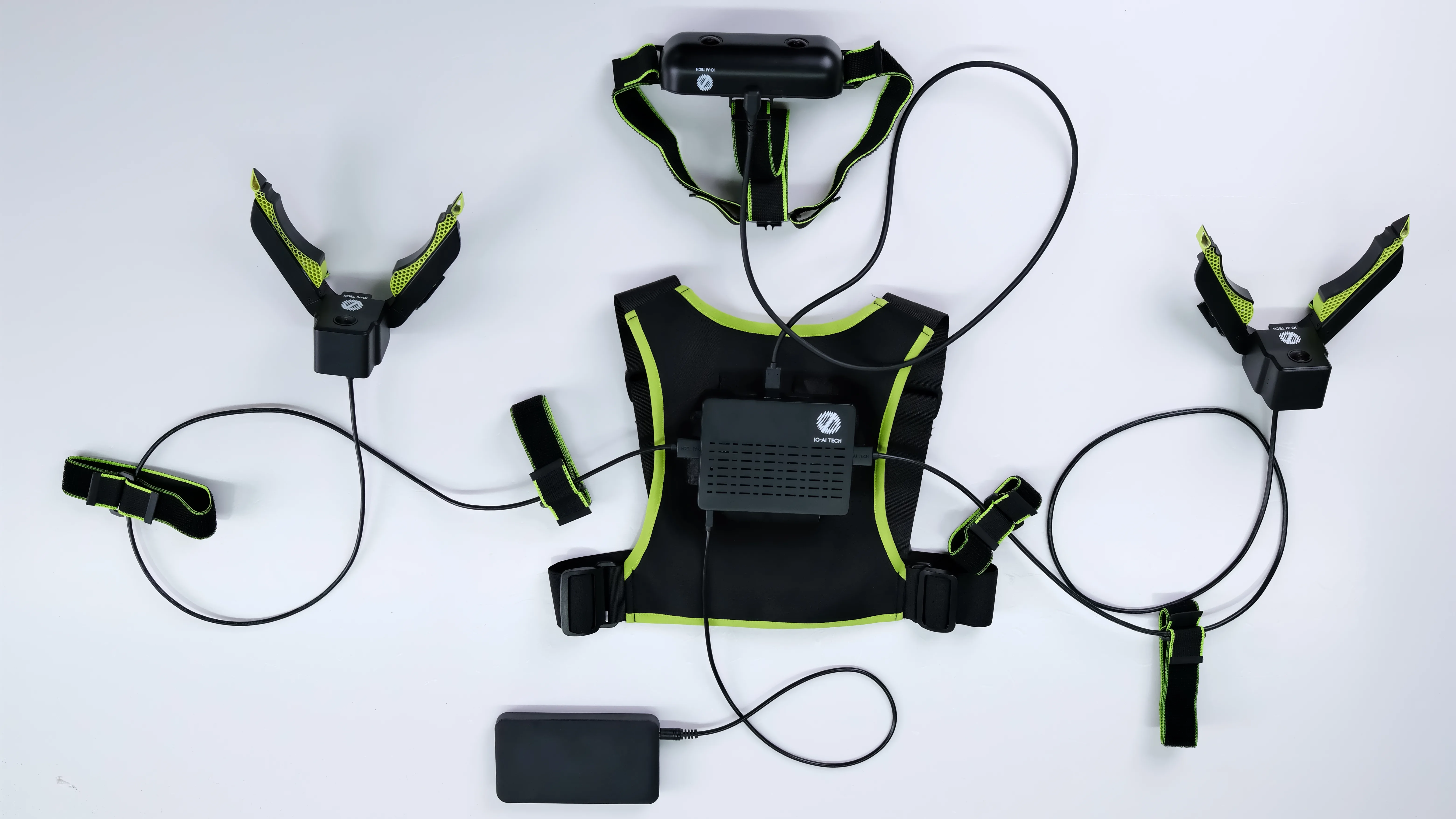
- Egocentric + wrist Wrist wiring is the same pattern as the gripper.
Connector latch (video)
Connect egocentric camera
Use the dedicated cable to connect the egocentric camera to the USB port labeled Ego Unit on the compute unit.
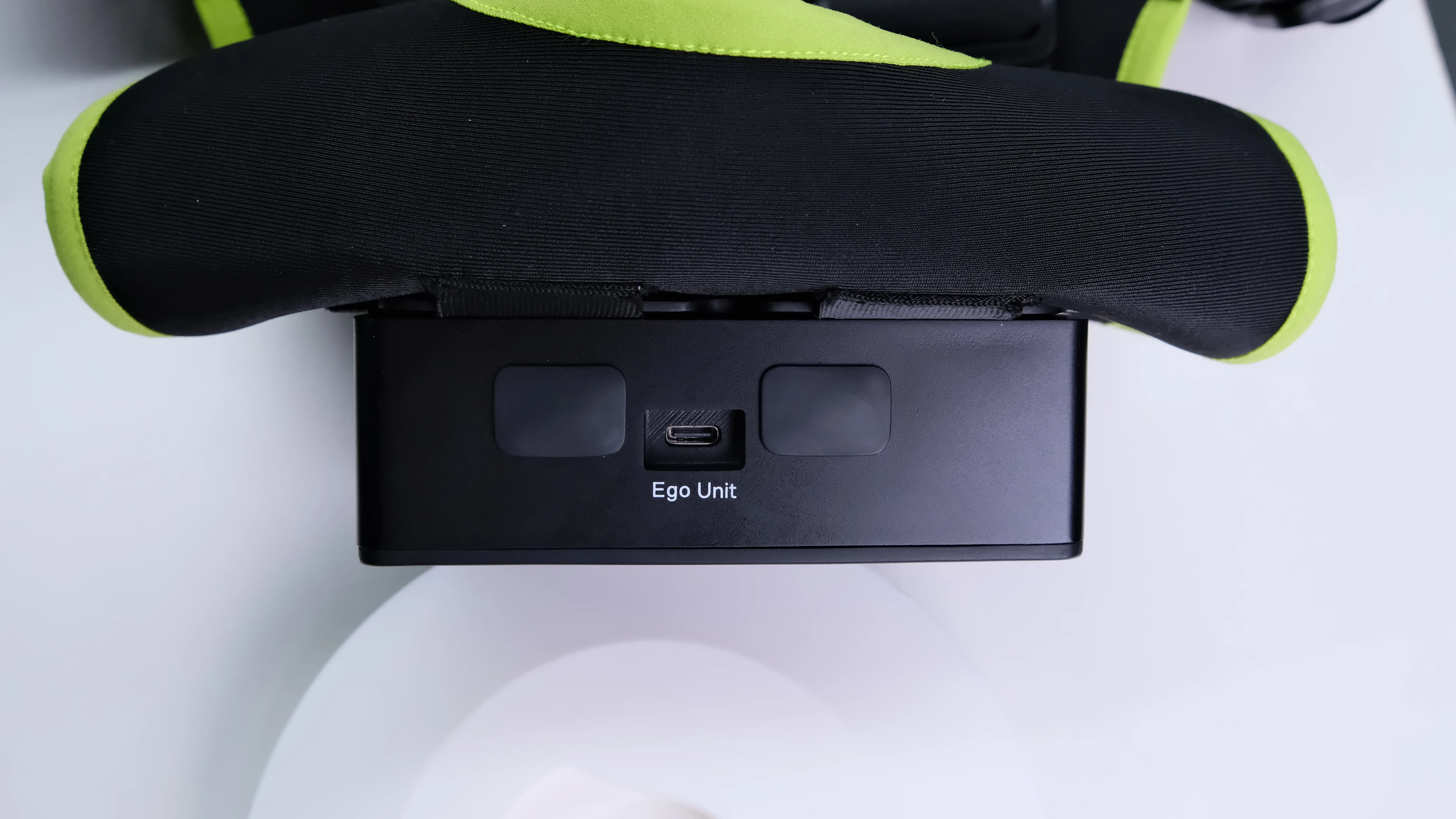
Connect gripper pods
Use the dedicated cable to connect left/right gripper pods to the L/R USB ports on each side of the compute unit.
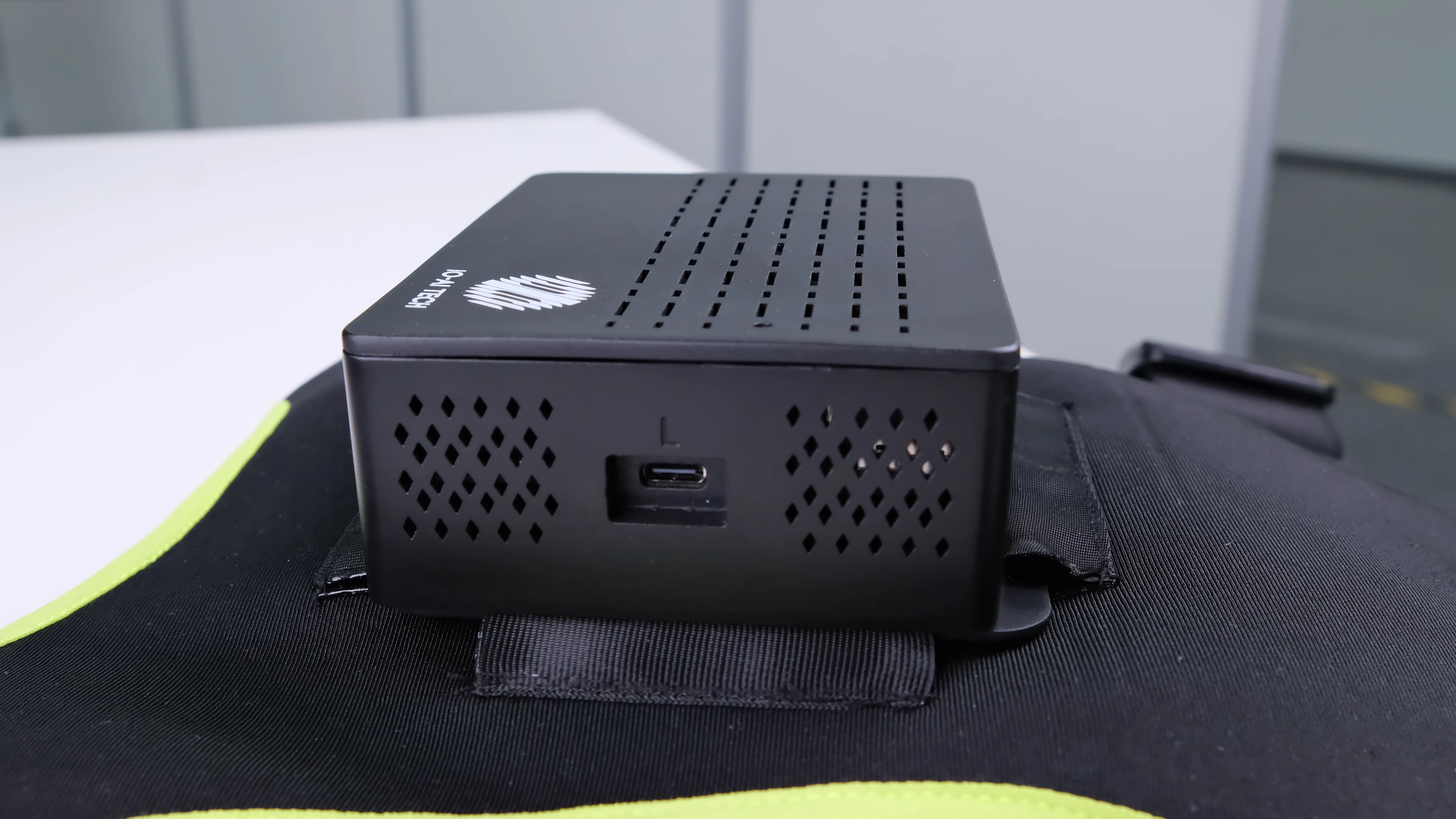
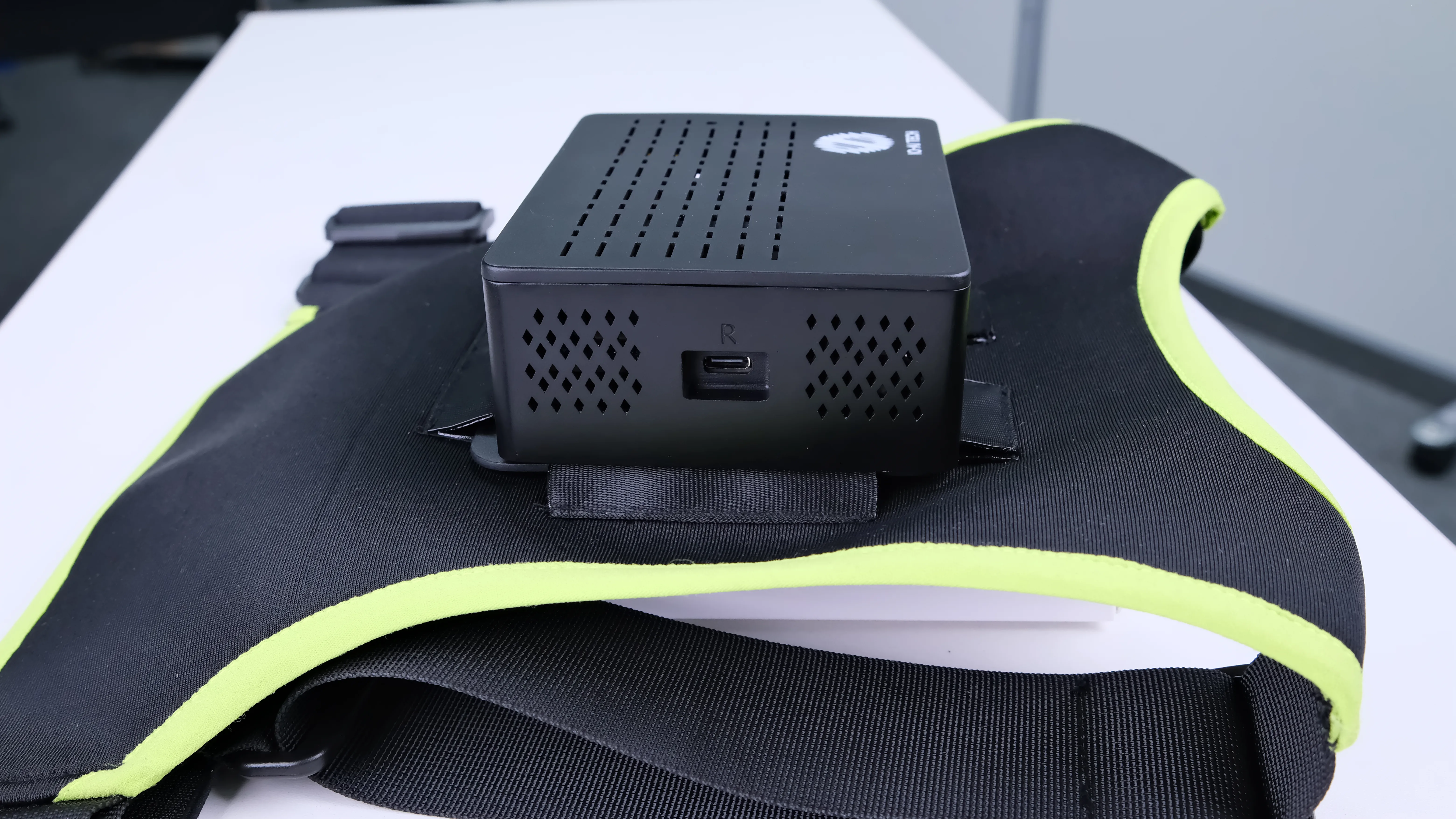
Connect wrist cameras
If you use wrist cameras instead of grippers, connect left/right wrist cameras to the L/R ports on each side.
Power
Connect power using the dedicated power cable with the red latch connector to the port labeled Power on the compute unit. Indicator LEDs should turn on after power is applied.
The included dedicated power cable is for the data capture device only. Do not use it with other equipment.
Do not plug power into the wrong port; incorrect wiring will damage the device.