TeleSuit Web Interface Guide
The TeleSuit web interface displays connected motion-capture devices and provides controls for motion capture, teleoperation, synchronization, recording, and playback. Some controls correspond to actions in the VR app. For the VR app, see Start Teleoperation (Simulation).
Access the TeleSuit Web Interface
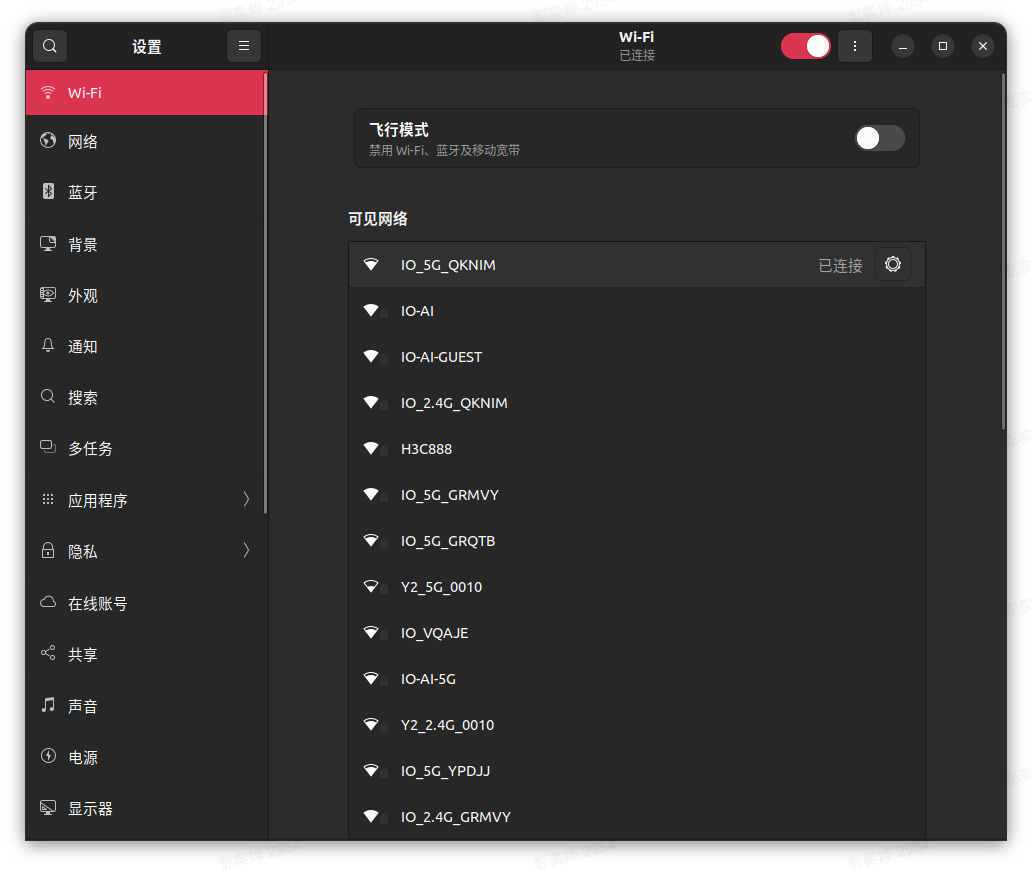
Connect through TeleSuit Wi-Fi
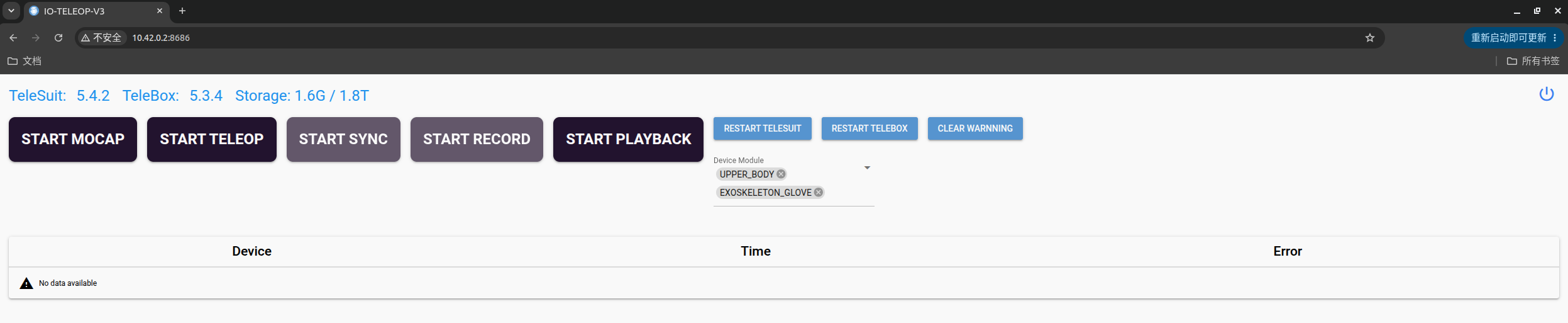
Connect your computer to the TeleSuit Wi-Fi, then open http://10.42.0.2:8686 in a browser. See the On-Site Network Reference for Wi-Fi names and passwords.
Connect through the TeleBox interactive network
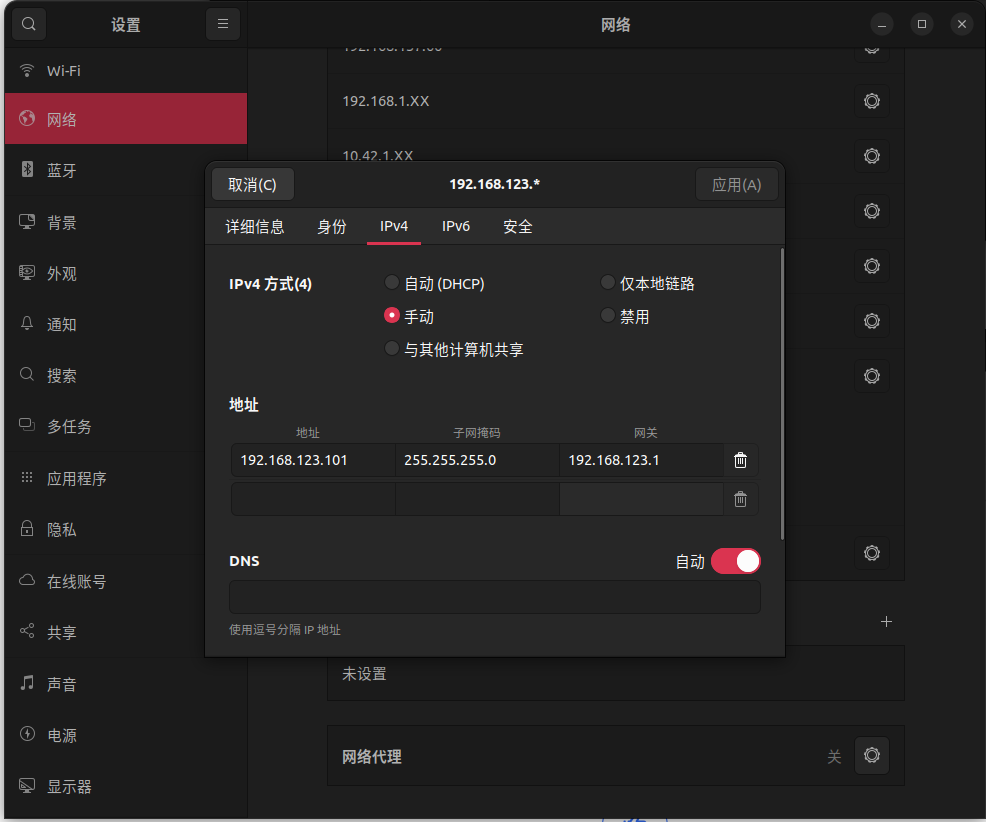
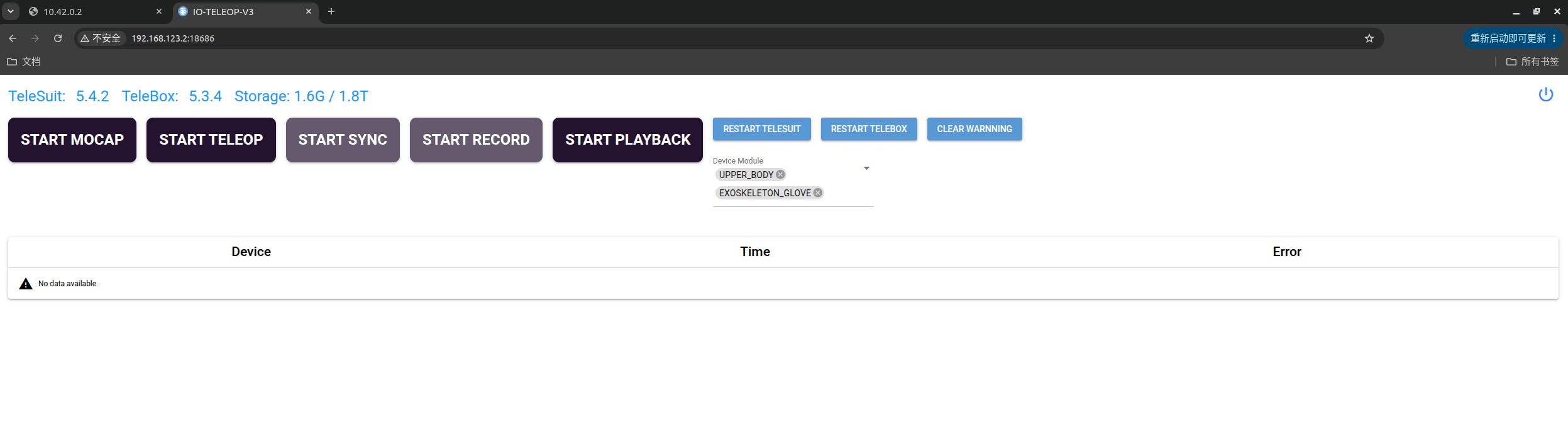
Connect your computer to the TeleBox interactive port and ensure TeleSuit and TeleBox are connected as described in Communication Connection. Open http://<TeleBox-interactive-IP>:18686 in a browser. For example, if the TeleBox interactive IP is 192.168.123.2, open http://192.168.123.2:18686.
Page and Motion-Capture Devices
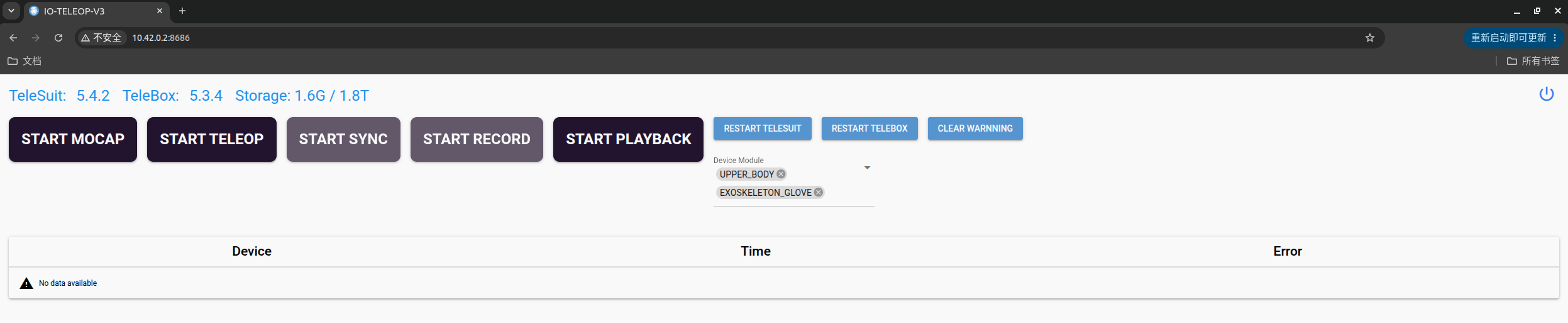
TeleSuit version V5.4.X is Version B, and V5.5.X is Version C. The versions differ in how motion-capture devices are selected.
Version B (V5.4.X)
Select the devices to use in the VR app's motion-capture settings. The Device Module on the web interface corresponds to those device options. After motion capture starts, Device Module is disabled.
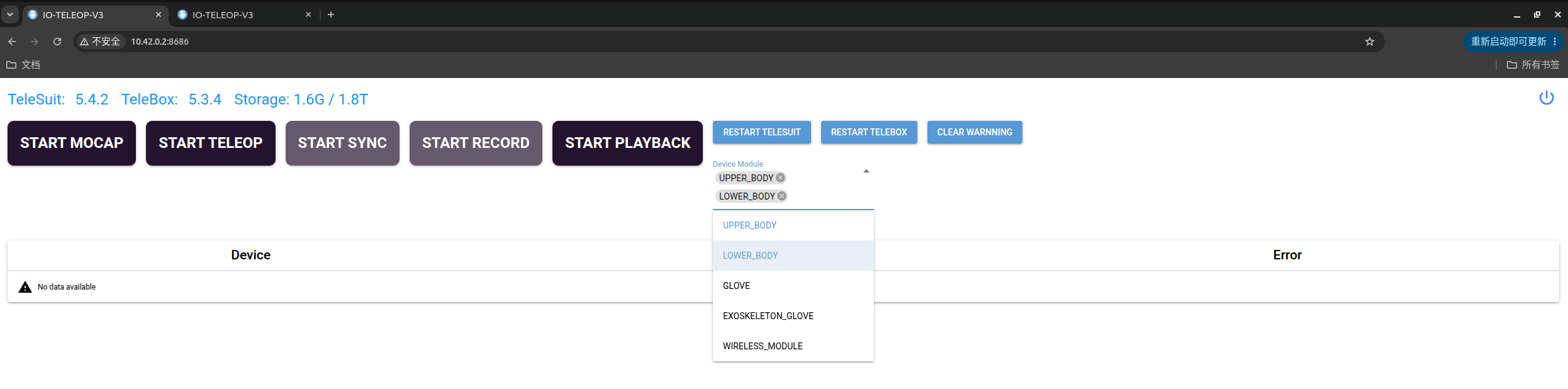
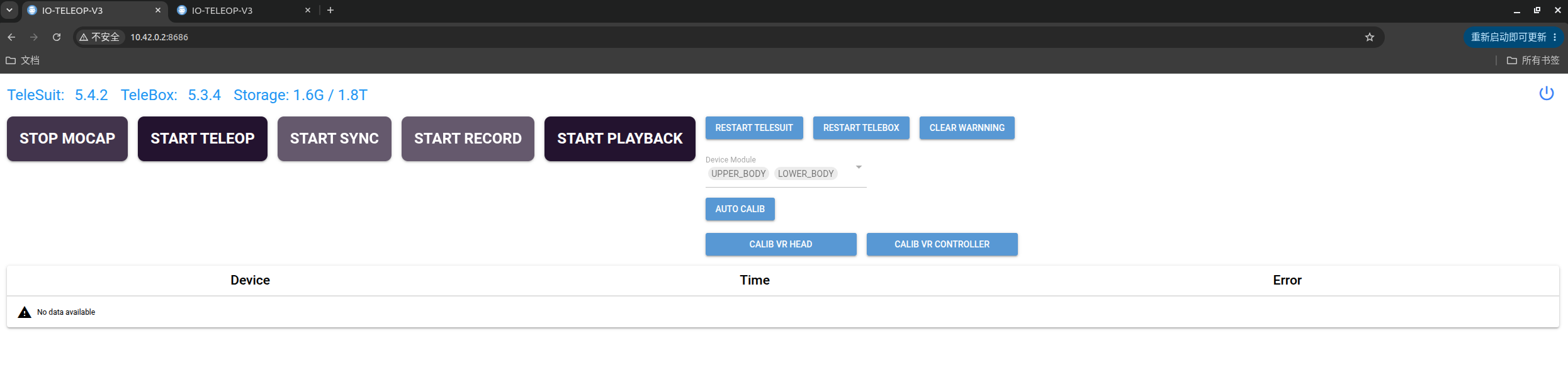
Version C (V5.5.X)
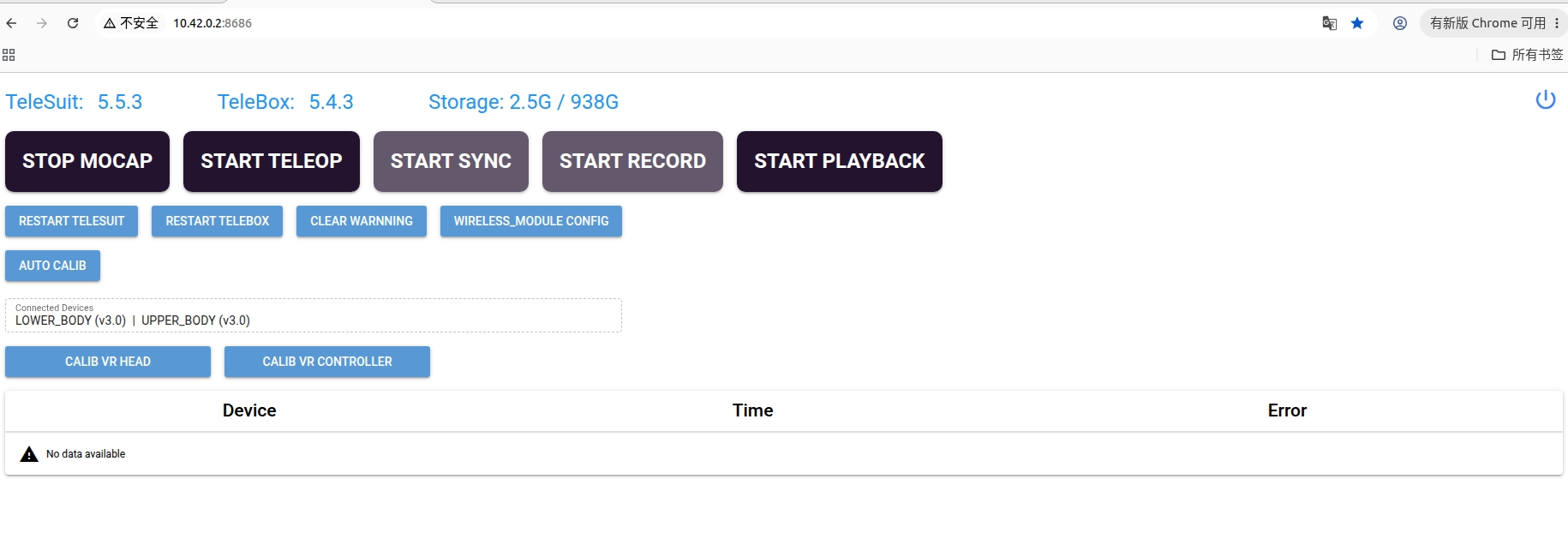
After putting on and connecting the devices, start motion capture directly. The system automatically detects connected devices and lists them under Connected Devices. There is no need to select them manually in Device Module.
Web Interface Controls
| Control | Function and prerequisites |
|---|---|
| START MOCAP | Starts motion capture, corresponding to the motion-capture button in the VR app. Device Module is disabled on Version B; connected devices are listed under Connected Devices on Version C. |
| START TELEOP | Starts teleoperation, corresponding to the teleoperation button in the VR app. |
| START SYNC | Starts synchronization, corresponding to the VR app's A button. Teleoperation must be started first. |
| START RECORD | Starts recording, corresponding to the VR app's X button. Synchronization must be started first. |
| START PLAYBACK | Starts playback, corresponding to data playback in the VR app. Teleoperation must be stopped first. |
| RESTART TELESUIT | Restarts the TeleSuit service. |
| RESTART TELEBOX | Restarts the TeleBox service. |
| CLEAR WARNNING | Clears the error messages displayed on the page. |
| WIRELESS_MODULE CONFIG | Configures the wireless module. A wireless module is required; see Hardware Connection. |