Auditor Guide
After an annotation task enters Pending Check, the auditor reviews the annotation results and marks them Qualified or Unqualified. For task field definitions, the state machine, and list operations, see Annotation Tasks; this page covers the review procedure only.
Roles and Prerequisites
Roles
| Role | Can review | Notes |
|---|---|---|
| Auditor | Yes | Requires the Review Annotation module permission and assignment as the task's auditor |
| Administrator | Yes | Not restricted by module permissions |
| Project Manager | Yes | Review Annotation is granted by default; can change the status of any task |
| Annotator | No | Can only set a task to Pending Start, In Progress, or Pending Check |
| Collector | No | Changing annotation task status requires Perform Annotation or Review Annotation; neither is granted to collectors by default |
Prerequisites
| Item | Requirement |
|---|---|
| Permissions | Review Annotation, View Annotation Tasks |
| Task relationship | The current account is the task's auditor or the task creator; otherwise the API returns 403 |
| Task status | Review starts when the task is in Pending Check; a Qualified result can be re-reviewed and changed |
| Project type | In a public project, only administrators can change task status |
| Browser | Latest Chrome or Edge, used to play back annotation data |
Task Status and Transitions
Annotation tasks have six statuses. For the allowed next status from each status and the roles that can set it, see Task status and Status change permissions in Annotation Tasks.
The same state machine applies to both annotation and collection tasks. For role capabilities on collection tasks, see the Collector Guide.
Status Transitions Available to Auditors
| Current status | Review action | Result |
|---|---|---|
| Pending Check | Qualified | Qualified |
| Pending Check | Unqualified, with a rejection reason entered | Unqualified |
| Qualified | Review and change to Unqualified | Unqualified |
| Unqualified | Review and change to Qualified | Qualified |
The API only accepts setting an annotation task to Qualified or Unqualified by an auditor; other statuses return 403. Submit Data can only be set by administrators and project managers.
Procedure
Steps
- Open the platform URL and sign in with the account assigned by the administrator.
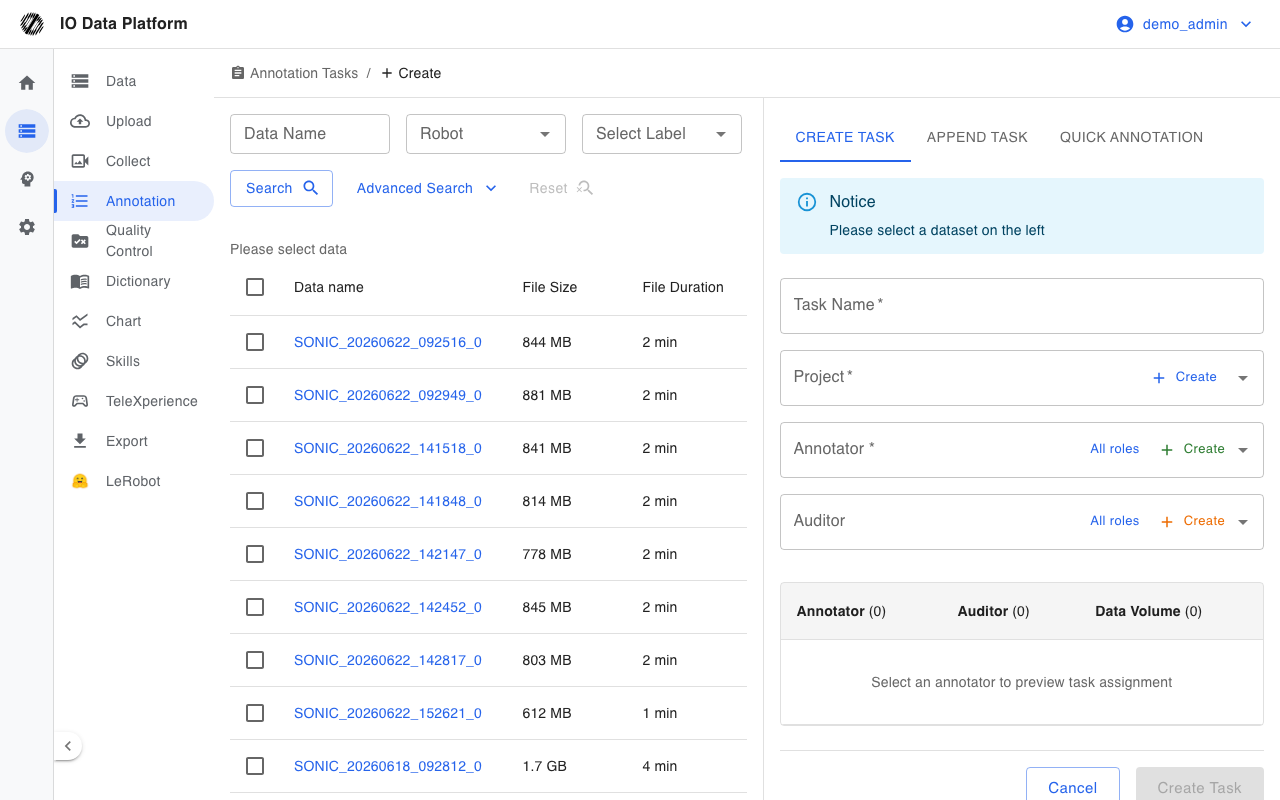
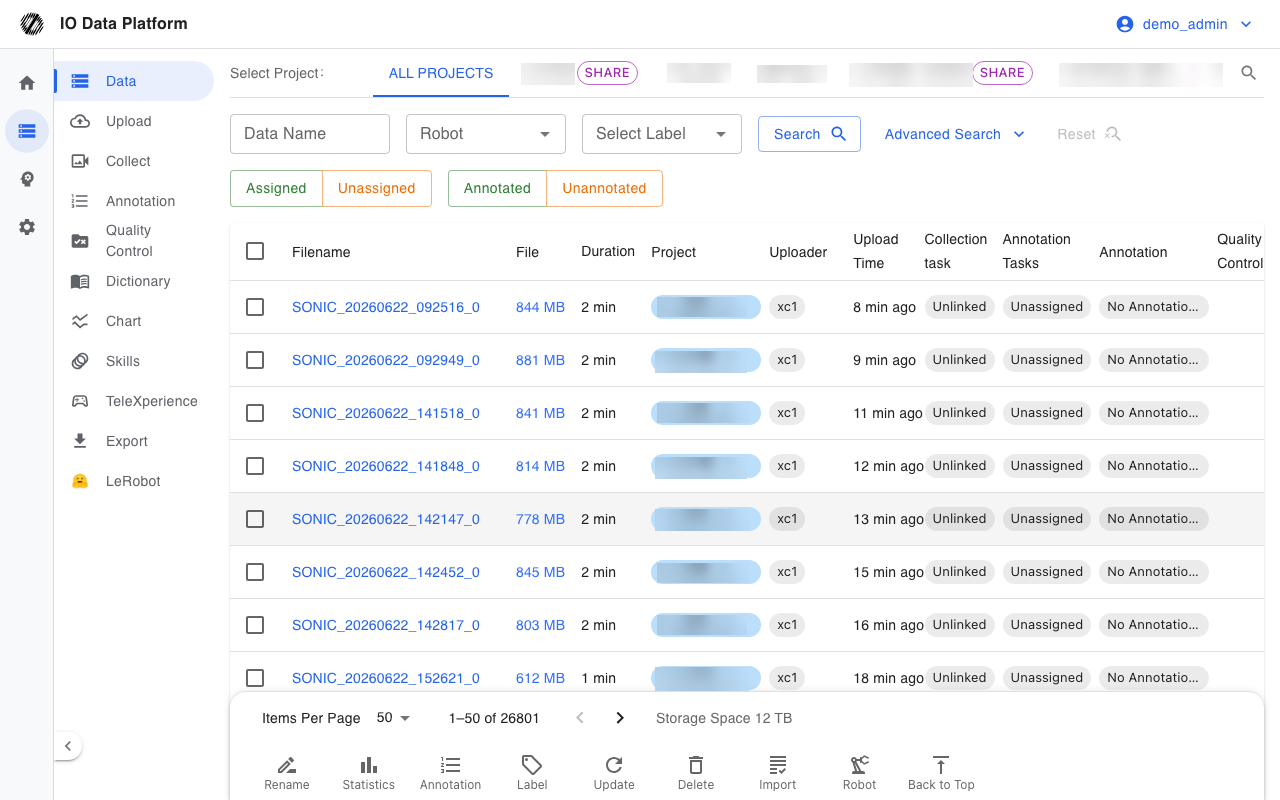
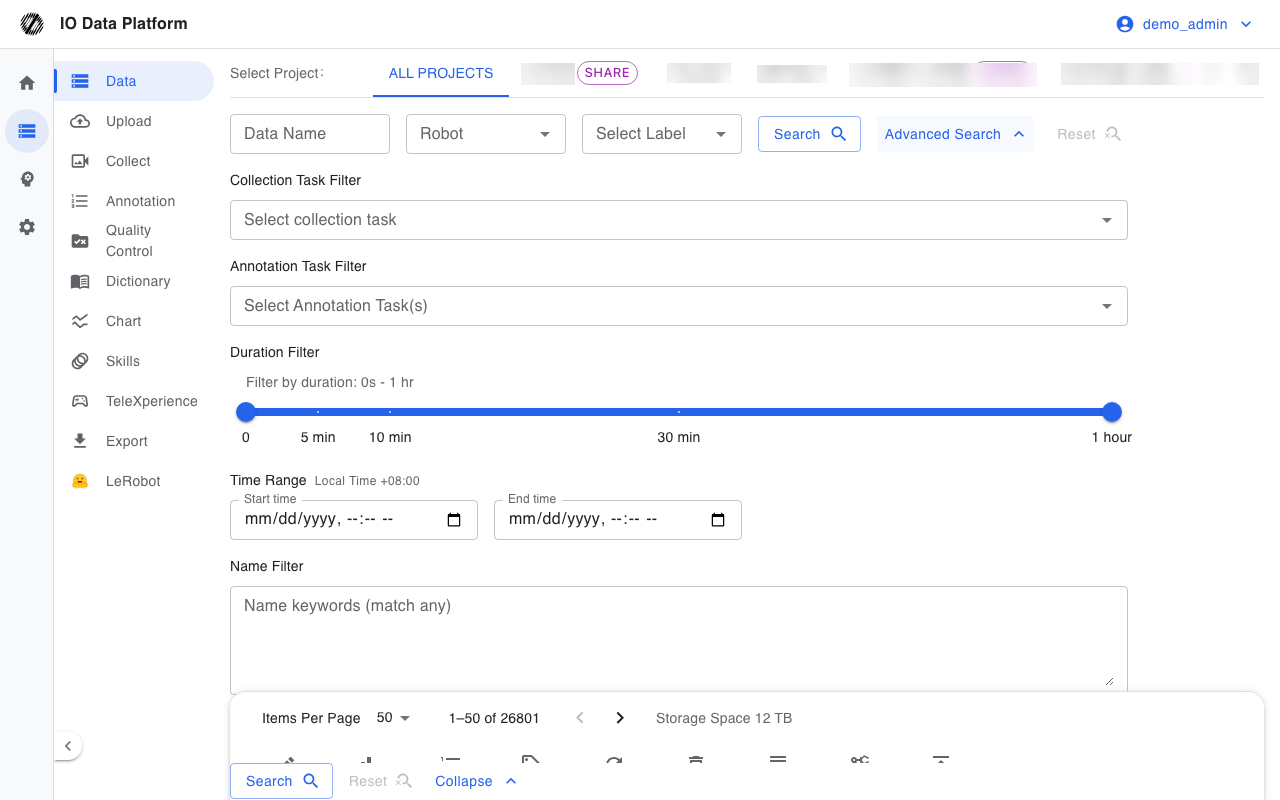
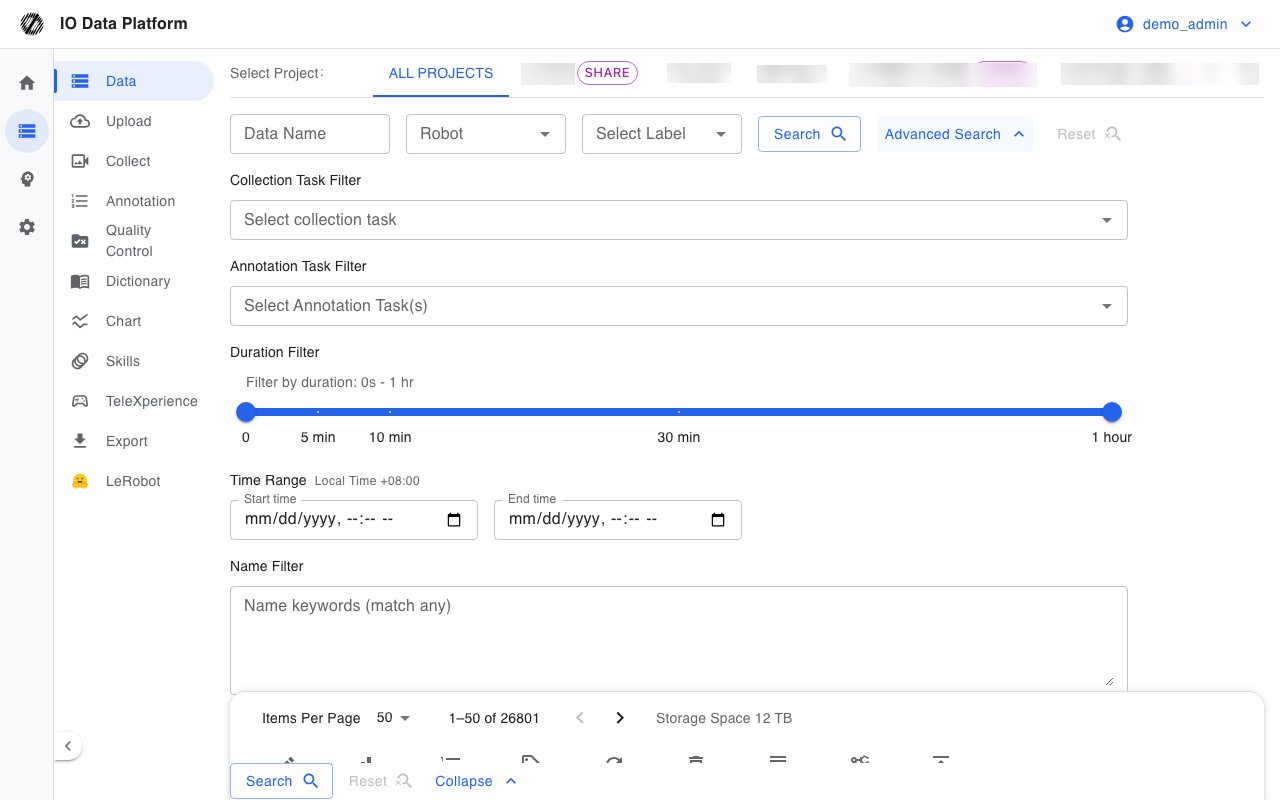
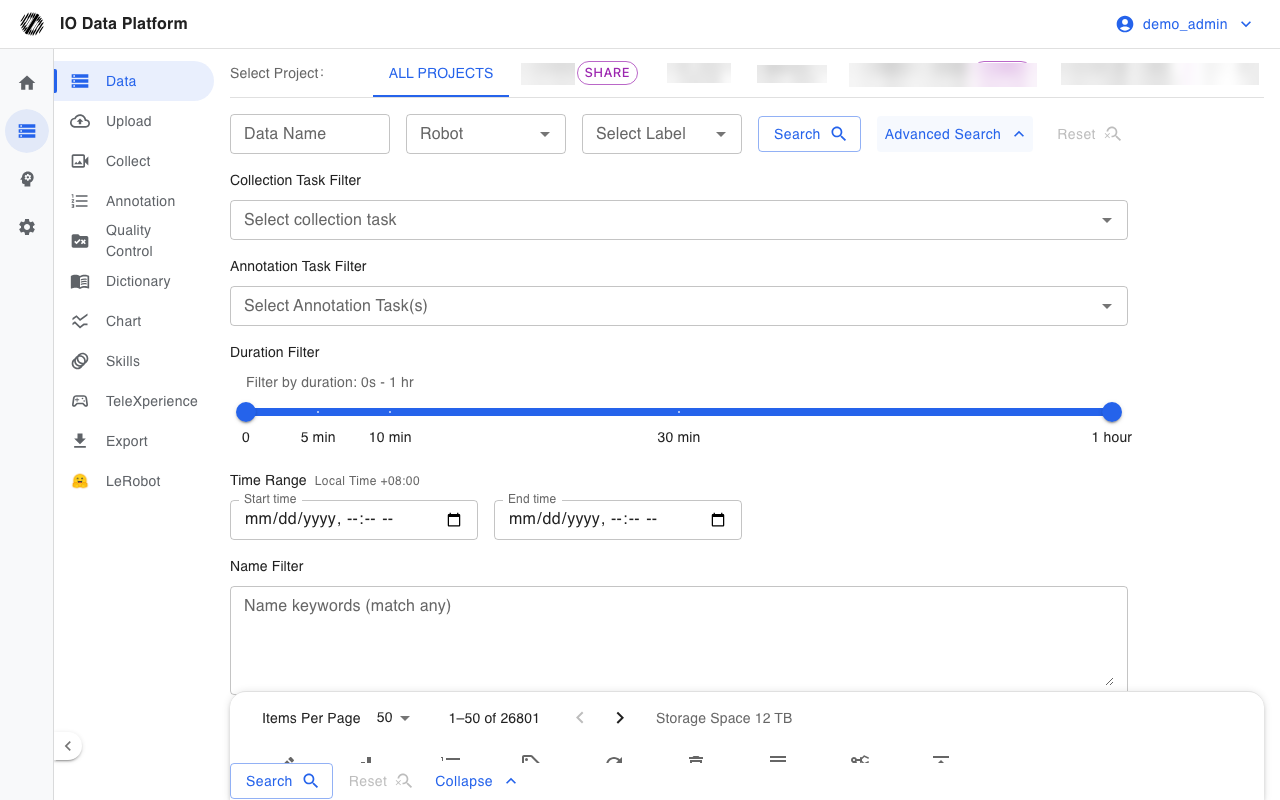
- In the sidebar, select Annotation, then filter tasks by Pending Check to find the ones awaiting review.
- Open the task details and confirm the datasets under the task.
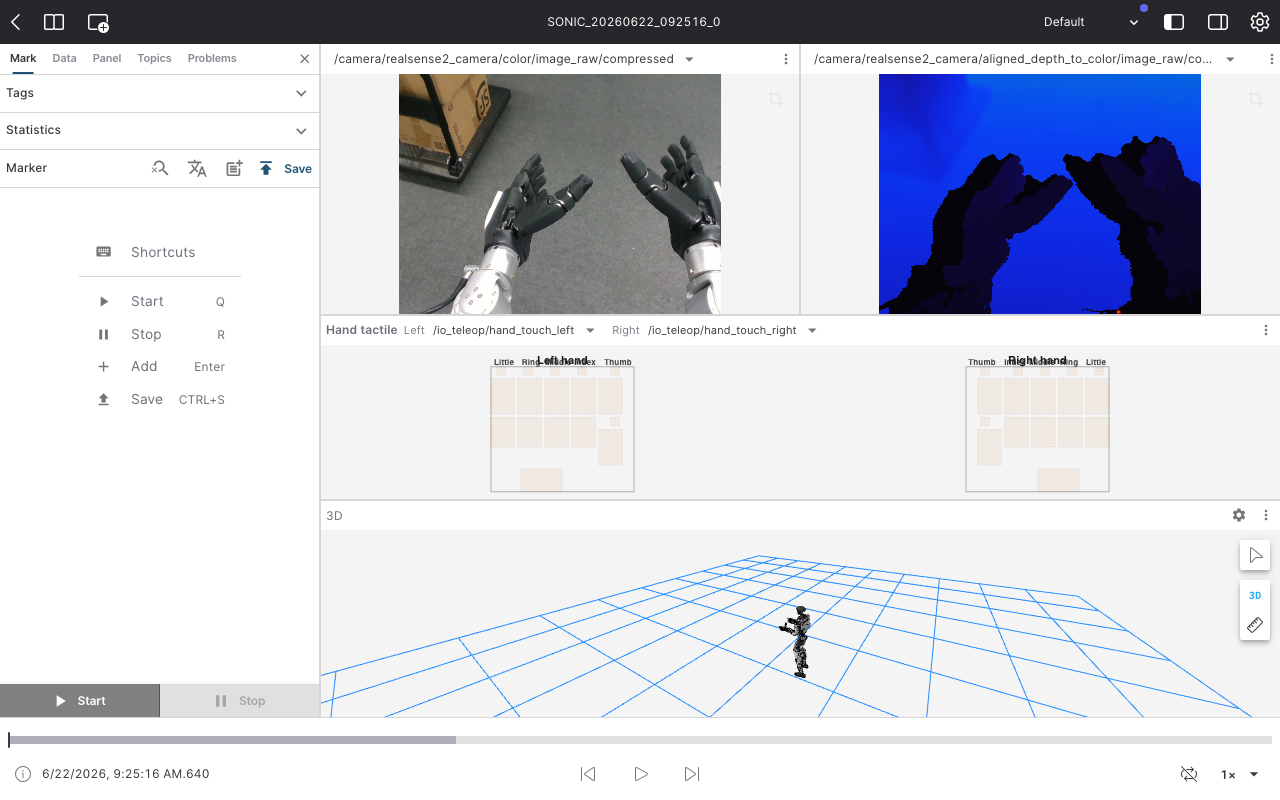
- Open a dataset and check each annotation's natural language meaning against the start frame node of its annotation track.
- For problematic annotations, select the corresponding exception label and mark them as Invalid; exception labels come from the Invalid type in the dictionary.
- On the Problem annotation tab of the task details, review every invalid annotation in the task.
- Decide the task result: if there are no issues, select Next Step Qualified in the sidebar; if rework is needed, select Next Step Unqualified, then enter a rejection reason in the dialog and submit.
Problem Annotations
Annotations marked as invalid are collected on the Problem annotation tab of the task details. Each row is one invalid annotation:
| Column | Meaning |
|---|---|
| Data | The dataset the annotation belongs to; select the name to open it in the browser |
| Annotation | The natural language annotation content |
| Annotator | The account that submitted the annotation |
| Annotation Time | When the annotation was created |
| Issue | The exception label of the annotation |
| Auditor | The account that marked the annotation invalid |
| Check Time | When it was marked invalid |
| Correction time | When the annotator corrected it; shows Uncorrected when not corrected |
When there are no invalid annotations, No Problem Annotations Found is displayed.
Rejection and Reason
Selecting Unqualified opens the Enter task rejection reason dialog. The rejection reason can be up to 1000 characters and may be left empty. Once entered, project members can view it in the task details, where it appears as Rejection Reason in the sidebar.
Follow-up Steps After Approval
| Step | Responsible role | Notes |
|---|---|---|
| Submit Data | Administrator, Project Manager | Sets the task status to Submit Data; datasets under the task enter submission lock and annotations can no longer be changed |
| Data export | Administrator, Project Manager | Export annotation results for training on the Data export page |
Verification
| Check | Expected result |
|---|---|
| Task status | Qualified after approval; Unqualified after rejection |
| Rejection reason | The reason entered on rejection appears as Rejection Reason in the task details sidebar |
| Problem annotations | The Problem annotation tab lists every invalid annotation in the task |
| Submission lock | After the task is set to Submit Data, annotations on the task's datasets can no longer be changed |
Error Handling
| Symptom | Possible cause | Action | Owner |
|---|---|---|---|
| Annotation entry missing from the sidebar | View Annotation Tasks is not granted | Have the administrator grant View Annotation Tasks | Administrator |
| Status change returns 403 with a message that only relevant members can change task status | The current account is not the auditor or creator of the task | Have the project manager assign the current account as the task auditor | Project Manager |
| Status change returns 403 with a message that auditors can only set Qualified or Unqualified | Attempting to set the task to another status | Use only Qualified or Unqualified | Auditor |
| Accessing the task returns 403 | The account is not in the task's project, and the project is not public | Have the administrator add the account to the project | Administrator |
| Task status cannot be changed in a public project | In a public project, only administrators can change task status | Have the administrator change the status | Administrator |
| Annotations cannot be modified | The task is set to Submit Data and its datasets are submission-locked | Have the administrator change the task status before editing | Administrator |
| Data does not play | The browser does not support playback | Open with the latest Chrome or Edge | Auditor |
Related Pages
| Page | Purpose |
|---|---|
| Annotation Tasks | Task fields, state machine, and list operations |
| Collection tasks | Fields and statuses of collection tasks |
| Annotator Guide | Annotation execution procedure |
| Data export | Export annotation results |
| Permissions | Roles and module permissions |