Create Collection Task
A project manager creates collection tasks, assigns collectors and devices, and sets collection requirements. For collection task field definitions and status transitions, see Collection tasks; this page covers the creation and assignment procedure only.
Roles and Prerequisites
Roles
| Role | Page entry | Notes |
|---|---|---|
| Administrator | Visible | Not restricted by module permissions |
| Project Manager | Visible | Requires the Manage Collection Tasks module permission |
| Collector | Hidden | The Create Collection Task button is shown only to administrators and project managers |
| Auditor | Hidden | Same as above |
| Annotator | Hidden | Same as above |
Prerequisites
| Item | Requirement |
|---|---|
| Permissions | Manage Collection Tasks |
| Role | Administrator or project manager |
| Project | The target project exists and the current account is a project member or an administrator; otherwise the API returns 403 |
| Collectors | At least 1 assignable collector account |
| Devices | Optional. When Enable Remote Teleoperation is selected, the device list cannot be empty |
| Task name | Unique across the platform. A duplicate name makes the API return 400 |
Procedure
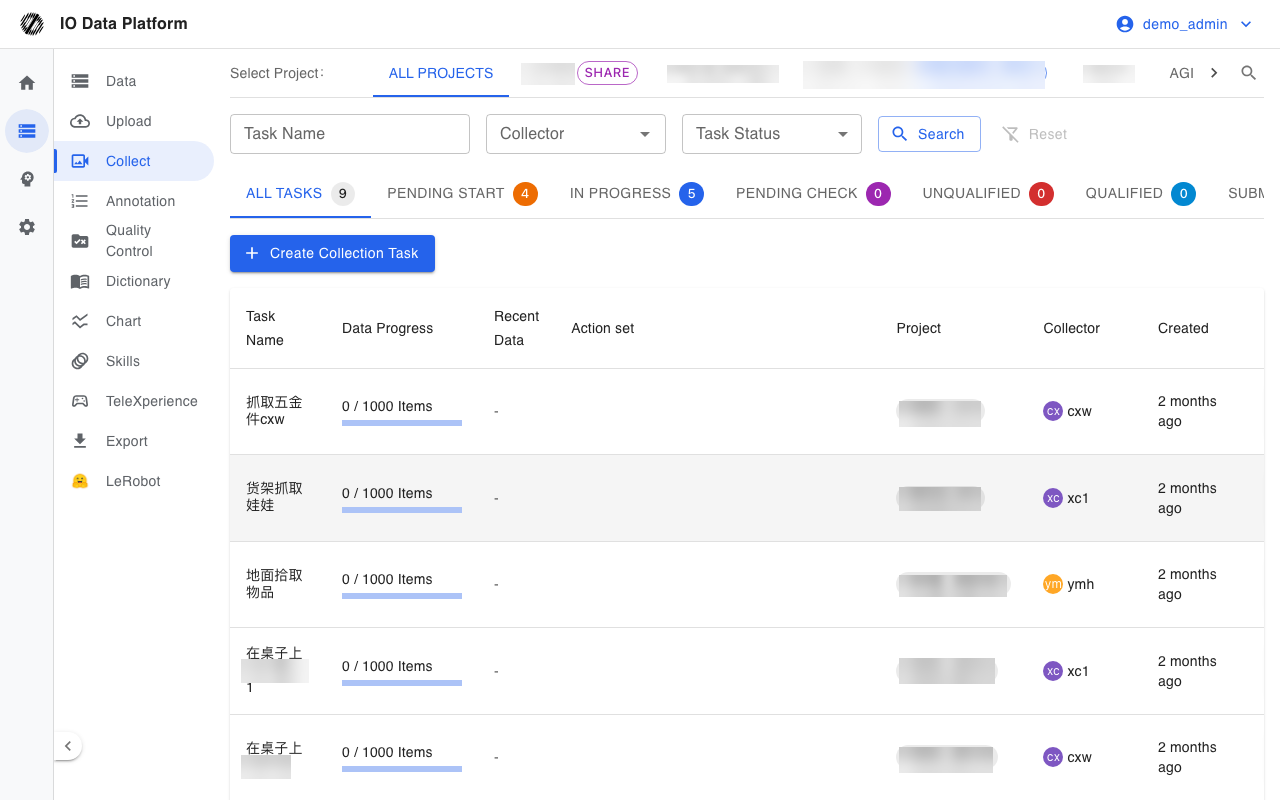
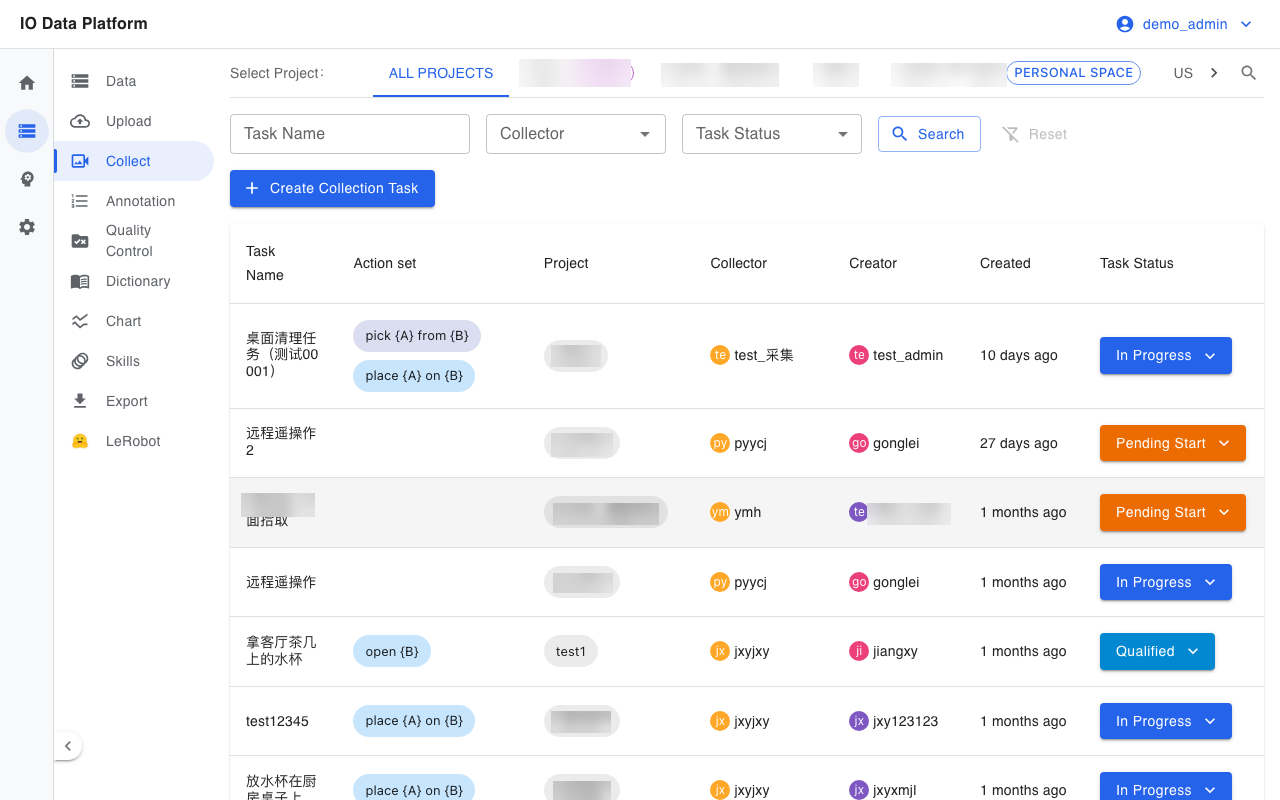
- In the sidebar, select Data → Collect to open the collection task list.
- Select Create Collection Task at the top of the page to open the task form.
- Enter the task name and project.
- Select collectors; multiple selection is supported. The form cannot be submitted when no collector is selected.
- Select robot devices; multiple selection is supported.
- Select Enable Remote Teleoperation as needed.
- In the Collection Requirements section, enter the collection quantity, average duration, task notes, and initial scene.
- In the Collection steps section, add a step: select a collection action, choose Object Manipulation and Operation Targets for the placeholders in the action, enter notes, and select Create to add it to the step list.
- Select Confirm to submit; on success, the task starts in Pending Start.
Verification
| Check | Expected result |
|---|---|
| Task status | A new task is in Pending Start |
| Task name | Matches the form and is unique across the platform |
| Collectors | Matches the form selection; the task details show the collectors |
| Devices | The selected devices appear on the Device tab of the task details |
| Collection requirements | The task overview shows the quantity, average duration, initial scene, and collection steps |
| Project | The task belongs to the selected project and is visible to project members |
Error Handling
| Symptom | Possible cause | Action | Owner |
|---|---|---|---|
| Message "Task name already exists" | The task name is already used on the platform | Use a different task name | Project Manager |
| Message "Please select a collector" | No collector selected | Select at least 1 collector | Project Manager |
| Message "Project does not exist or has been deleted" | The selected project has been deleted | Select the project again | Project Manager |
| The API returns 403 on creation | The current account is not a member of the selected project | Have a project member create it, or ask an administrator to add the account to the project | Administrator |
| Message "Project has not enabled remote control" | Enable Remote Teleoperation is selected, but the project has no teleoperation configured | Clear the checkbox, or ask an administrator to configure teleoperation for the project | Administrator |
| Message "Please register the robot device on the teleoperation end" | No device is available under the current project | Register a device on the device page first | Collector |
Related Pages
| Page | Purpose |
|---|---|
| Collection tasks | Collection task fields and statuses |
| Device management | Device registration and management |
| Data upload | Upload collected data |
| Collector Guide | The collector's execution procedure |
| Permissions | Roles and module permissions |