Workflow
Data moves from collection through annotation and review to export, with each stage handled by a different role. For the permission boundaries of each role, see Permissions.
Roles and Workflow Overview
Role Responsibilities and Procedure Pages
The table below shows which stage each role owns and which page to start from.
| Role | Responsibilities | Main workflow stages | Authoritative procedure pages |
|---|---|---|---|
| Administrator | Project and account governance, module permissions, cloud storage, and system configuration | Create projects and members, submit data, export | Permissions, User Management, Cloud Storage |
| Project Manager | Selecting data and creating tasks, assignment and follow-up, export | Create task, assign, submit data, export | Create Annotation Task, Create Collection Task |
| Collector | Device registration, collection task execution, data upload | Collect, upload | Collector Guide |
| Annotator | Executing annotation, submitting for check, handling unqualified results | Annotate, rework | Annotator Guide |
| Auditor | Reviewing annotation results, marking them Qualified or Unqualified | Review | Auditor Guide |
| Guest | Sign-in only, with no available business pages | None | None |
Roles and Stage Handoffs
The diagram below summarizes how each role connects to the main workflow stages.
Main Workflow Order
The stages depend on one another; run them in the order below.
- An administrator creates a project and adds the relevant people to it.
- A collector registers devices, runs collection tasks, and uploads data.
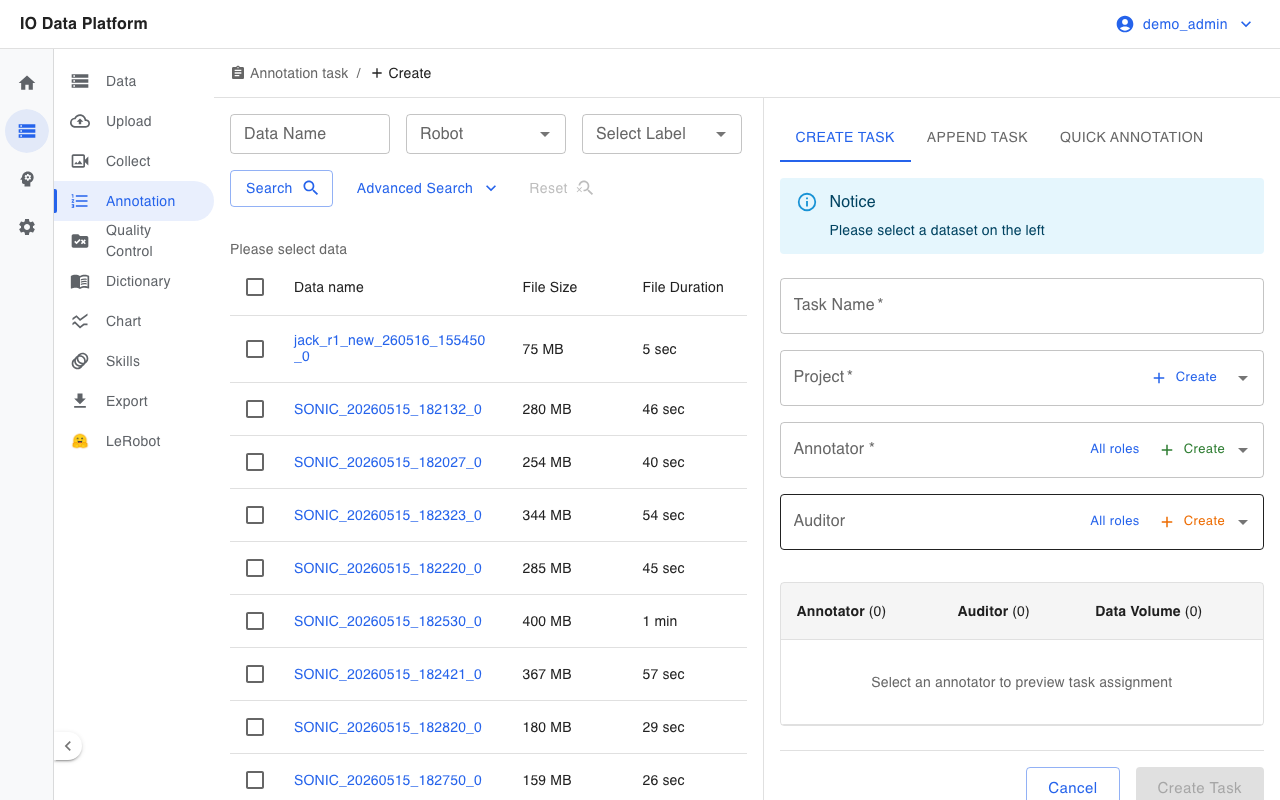
- A project manager creates annotation tasks from datasets and assigns annotators and auditors.
- An annotator performs annotation and, when finished, sets the task status to Pending Check.
- An auditor reviews the annotation results and marks them Qualified or Unqualified. On Unqualified, the task enters the Unqualified status, and the annotator sets it back to Pending Check after rework.
- Once the task is Qualified, a project manager or administrator sets it to Submit Data.
- A project manager or administrator exports the data for training.
Interface Reference
The table below maps each workflow stage to its interface.
| Stage | Interface |
|---|---|
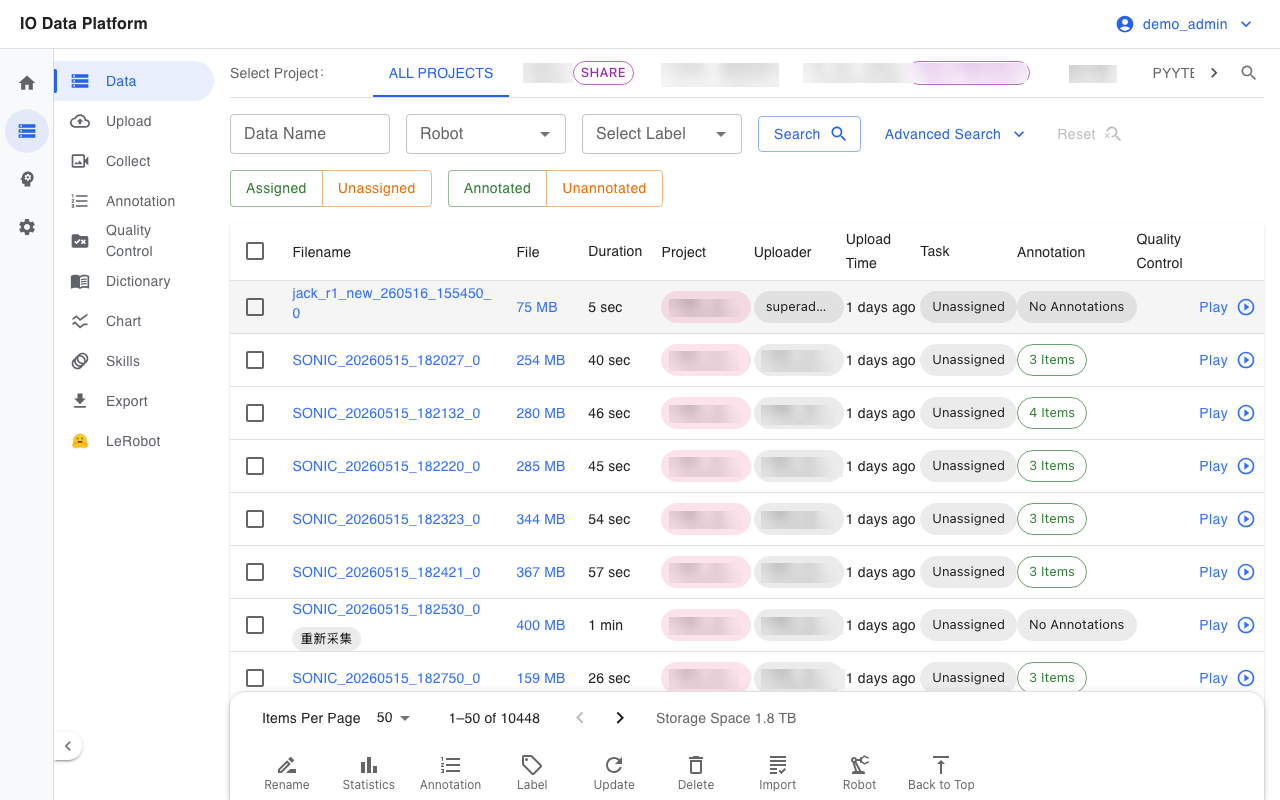
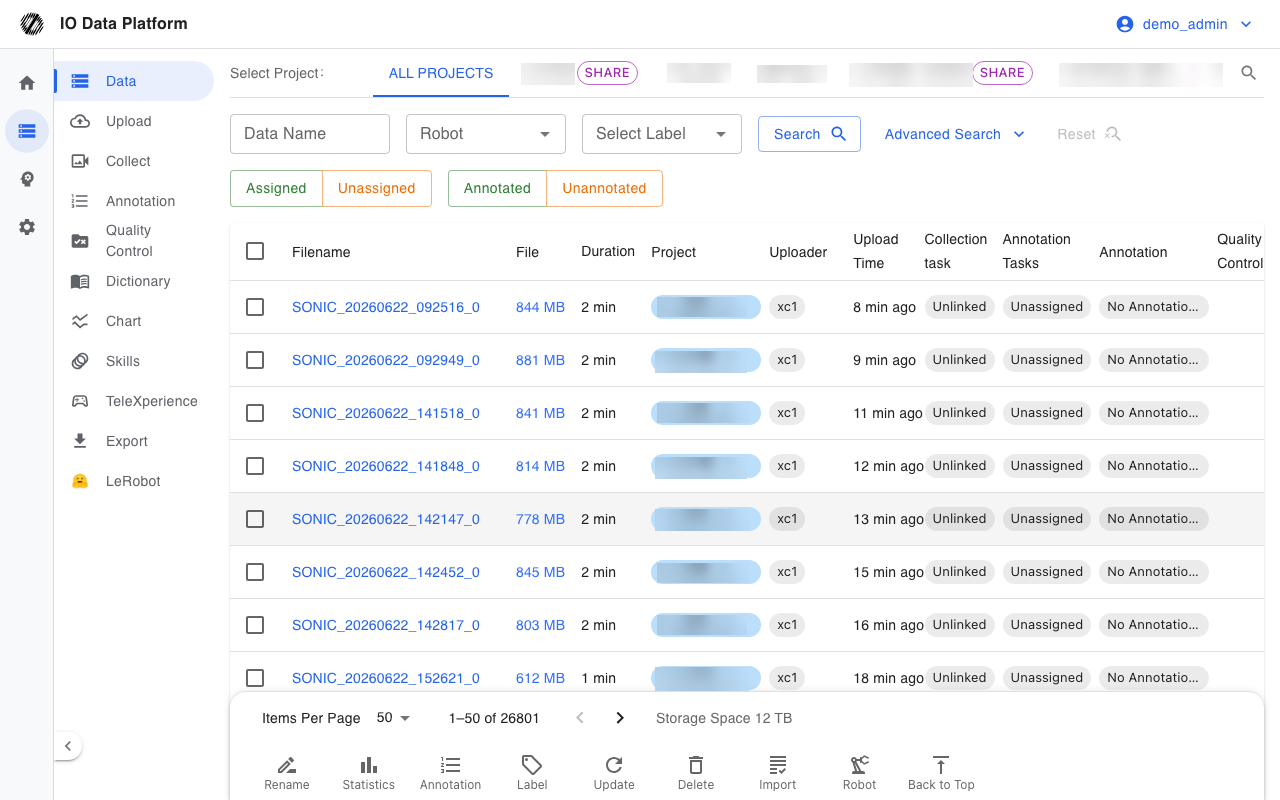
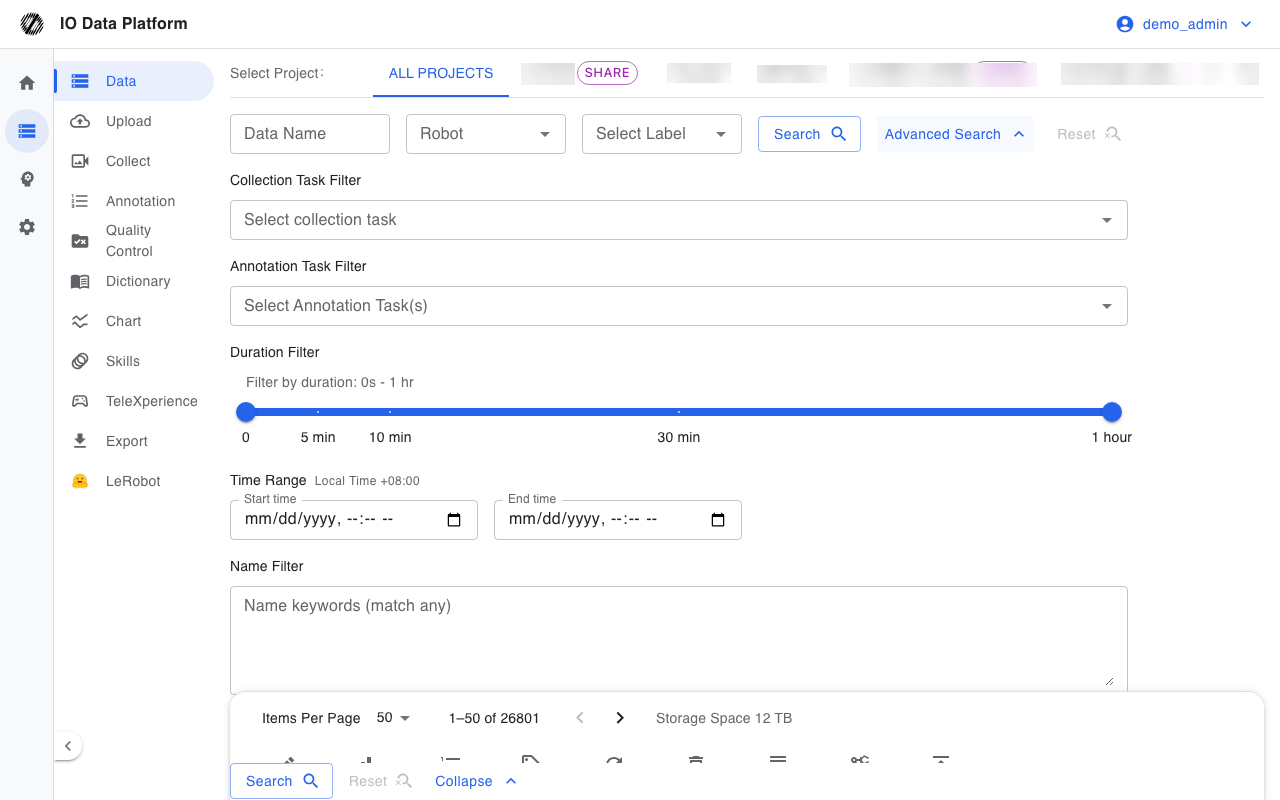
| Select data | Dataset list, where datasets to annotate are selected |
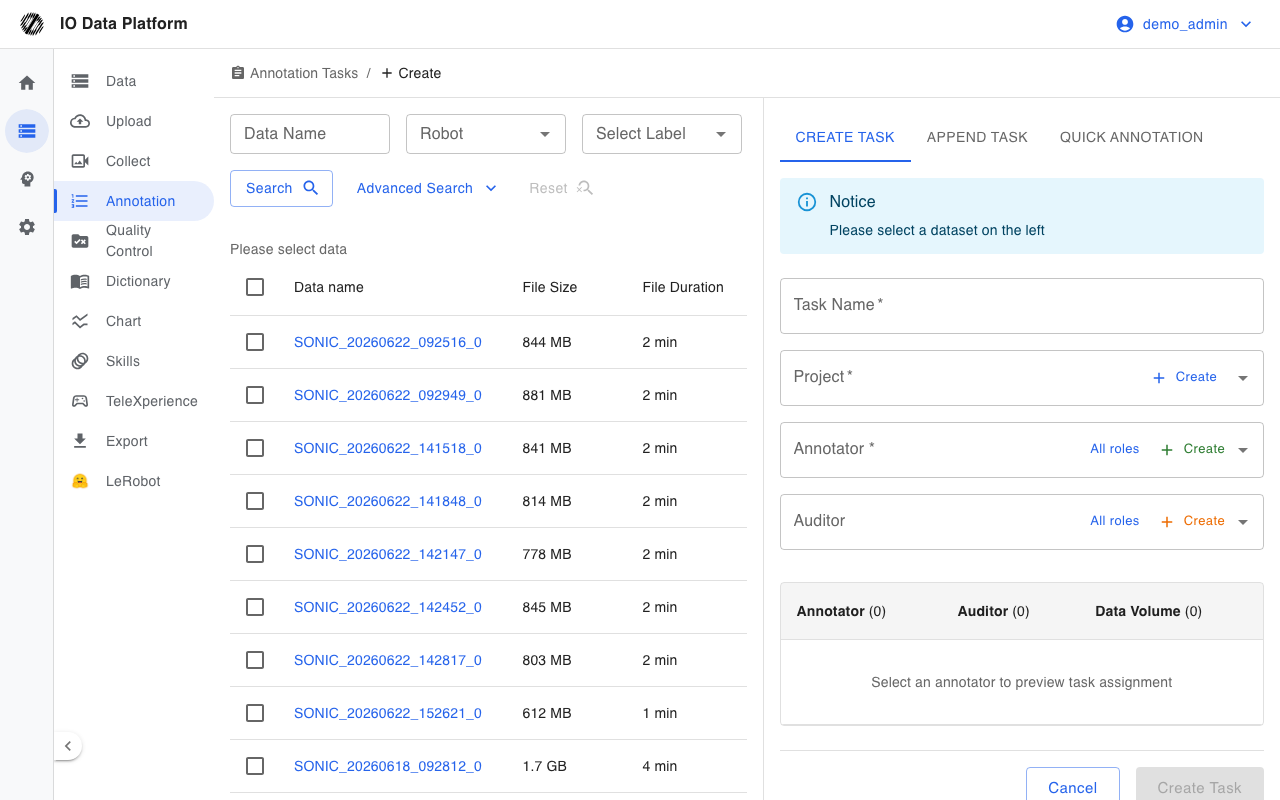
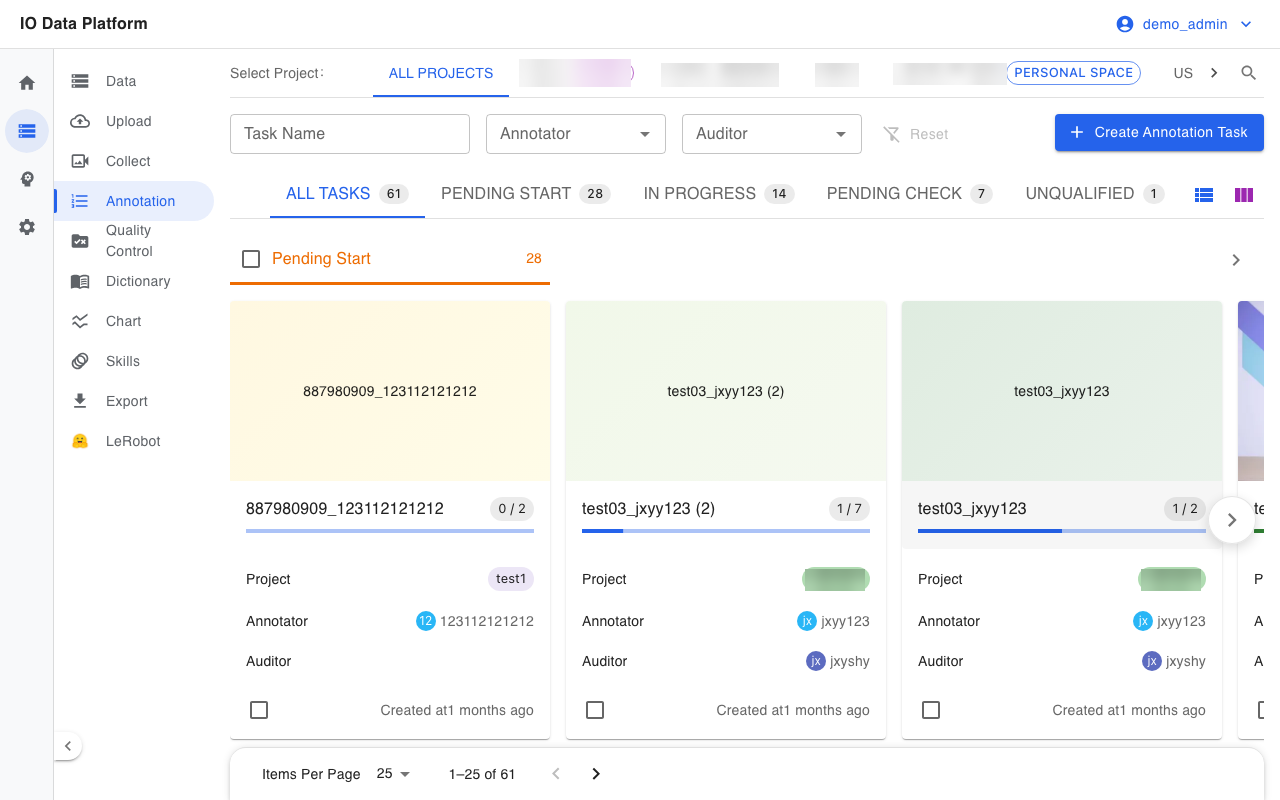
| Create task | Create Annotation Task form |
| Annotate | Annotation interface for adding annotations |
| Filter | Advanced filter on the dataset list |
Reading Paths by Role
Reading in role order reduces cross-page navigation.
| Role | Reading order |
|---|---|
| Administrator | Permissions → Module Permissions → User Management → Cloud Storage → Operations Monitoring |
| Project Manager | Data Management → Create Annotation Task → Create Collection Task → Annotation Tasks → Dataset Export |
| Collector | Collector Guide → Collection task → Data Upload |
| Annotator | Getting Started → Annotator Guide → Annotation Tasks → Dictionary Management |
| Auditor | Auditor Guide → Permissions → Data QC |
Related Pages
| Page | Purpose |
|---|---|
| Permissions | Role permission matrix and permission hierarchy |
| Module Permissions | Module permission groups and configuration steps |
| Annotation Tasks | Task state machine, task details, and batch actions |
| Data Management | Dataset search, preview, and batch actions |